To use Sony WH-1000XM4 headphones, charge them, pair them through Bluetooth, and set them up in the Sony Headphones Connect app. After that, learn the touch controls, choose the right noise canceling mode, and keep them charged or use the audio cable when needed.
If you want to learn how to use Sony headphones WH-1000XM4 without guesswork, this guide walks you through setup, controls, sound tuning, calls, charging, and everyday use. The goal is simple: help you get comfortable fast and avoid the small mistakes that can make these headphones feel more complicated than they are.
- Setup first: Charge, pair, and install the Sony app before adjusting anything else.
- Learn controls: Touch gestures handle most playback, while the app handles deeper settings.
- Match the mode: Use noise canceling for noise and ambient sound when awareness matters.
- Use safely: Keep volume moderate for long sessions to protect your hearing.
How to Use Sony Headphones WH-1000XM4: What This Guide Covers and Who It’s For
Contents
- 1 How to Use Sony Headphones WH-1000XM4: What This Guide Covers and Who It’s For
- 2 First-Time Setup: Charging, Pairing, and Installing the Sony Headphones Connect App
- 3 Core Controls Explained: Buttons, Touch Gestures, and Voice Assistant Use
- 4 Getting the Best Sound: EQ, Noise Canceling, Ambient Sound, and Adaptive Sound Control
- 5 Using the WH-1000XM4 for Calls, Meetings, and Daily Work
- 6 Battery Life, Charging, and Wired Listening Options
- 7 Expert Tips, Common Problems, and What to Avoid
- 8 Final Recap: The Easiest Way to Use Sony WH-1000XM4 Confidently
- 9 Frequently Asked Questions
- 10 Author
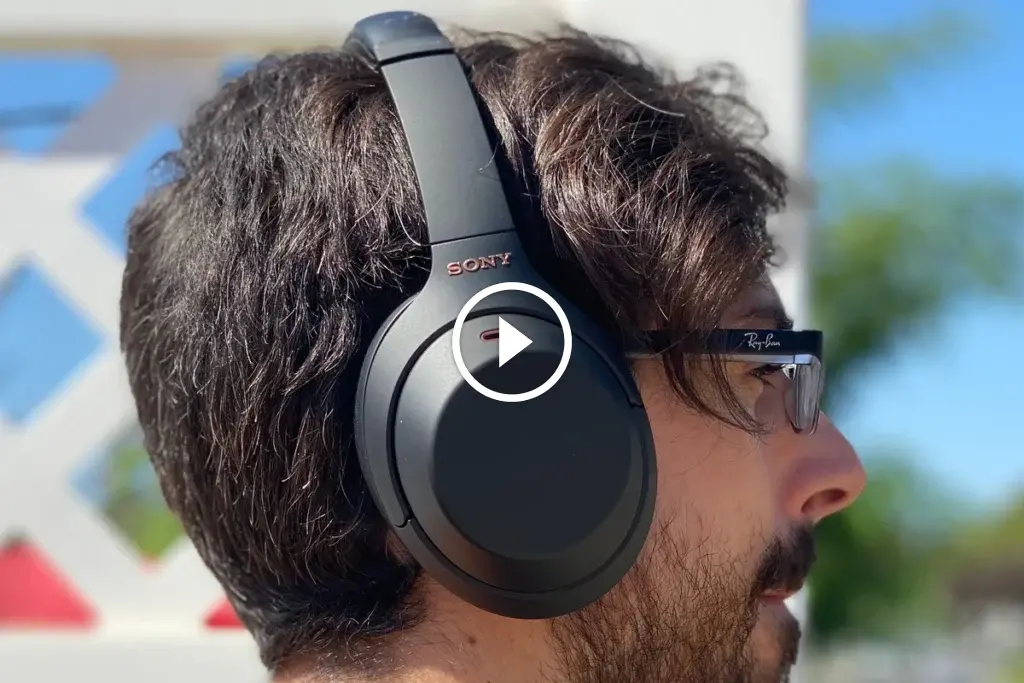
Image source: cdn.mos.cms.futurecdn.net
The Sony WH-1000XM4 is a wireless over-ear headphone designed for everyday listening, commuting, travel, calls, and focused work. If you are new to premium Bluetooth headphones, the first few minutes matter most because pairing, app setup, and control learning shape the whole experience.
This guide is for beginners, return users, and anyone switching from wired headphones or simpler wireless models. It focuses on practical use rather than technical jargon, so you can start listening quickly and then fine-tune the sound later.
Features and app options can vary slightly by phone, computer, and firmware version, so your menu names may not look exactly the same.
First-Time Setup: Charging, Pairing, and Installing the Sony Headphones Connect App
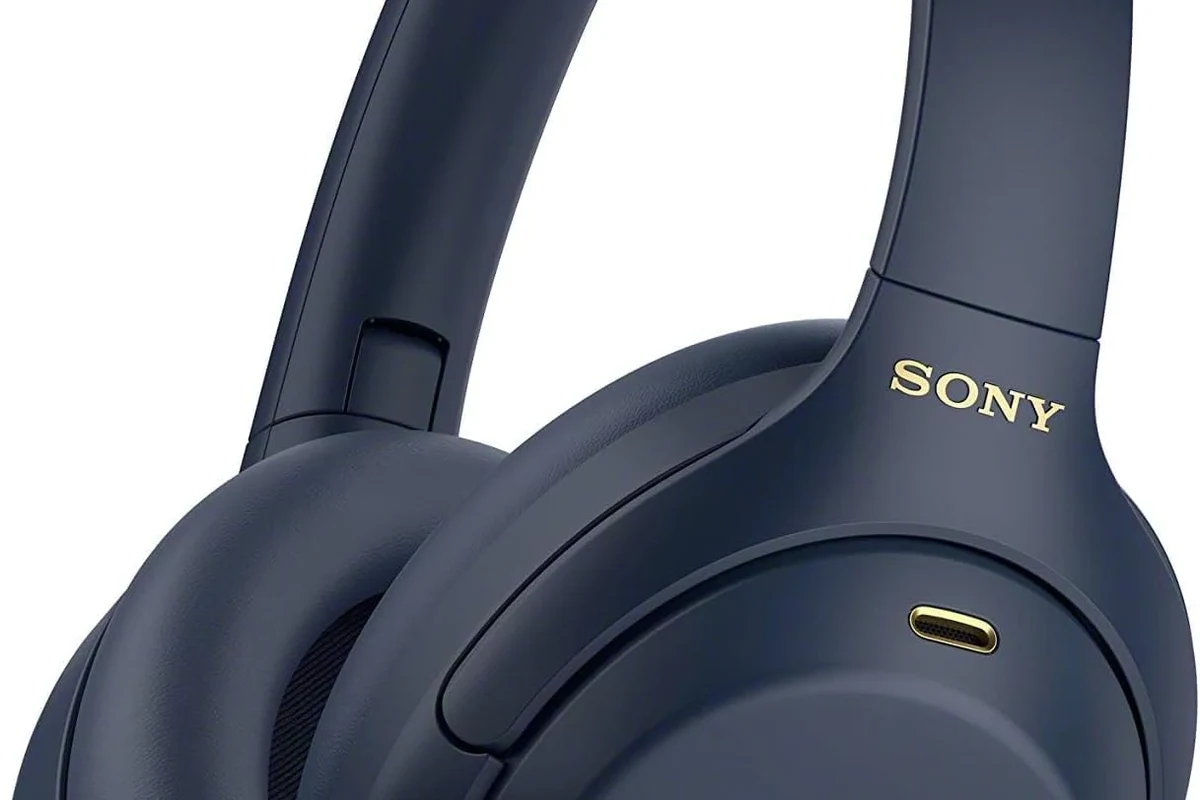
Image source: m.media-amazon.com
Before you pair the WH-1000XM4, charge it enough to avoid interruptions during setup. Then install the Sony Headphones Connect app, which is where you can adjust sound, noise canceling, and smart features more easily than from the headphones alone.
How to power on and enter pairing mode
Turn the headphones on using the power button, then look for pairing mode if your device does not find them right away. On most Sony wireless headphones, pairing mode is triggered by holding the power button long enough for the indicator to show that the headset is discoverable.
1
Use USB-C and let the headphones charge before your first long session.
2
Press the power button until the headphones turn on.
3
Hold the power button until the headphones become discoverable to nearby devices.
Connecting to iPhone, Android, Windows, and Mac
For iPhone and Android, open Bluetooth settings, choose the WH-1000XM4 from the list, and confirm the connection. If you use a computer, the process is similar, and our guide on selecting headphones in Windows 11 can help if your PC does not switch audio automatically.
Mac users should also check Bluetooth settings and then confirm the headphones are selected for both sound output and, if needed, microphone input. If you are comparing wireless and wired listening on a computer, our article on wired headphones on MacBook explains how device output choices can affect everyday use.
Setting up the app for the best first-use experience
After pairing, open the Sony app and check the main settings first: noise canceling, ambient sound, and any sound preset or EQ options. This is where you can make the WH-1000XM4 feel more personal, especially if you prefer clearer vocals for podcasts or a stronger low end for music.
Start with the default sound profile for a day or two before changing EQ. That makes it easier to hear what each adjustment actually does.
Core Controls Explained: Buttons, Touch Gestures, and Voice Assistant Use
The WH-1000XM4 uses a mix of physical controls and touch gestures, which is one reason many people like it for daily use. Once you learn the basics, you can control playback without reaching for your phone every few minutes.
Play, pause, skip, volume, and call controls
Playback and call handling are usually managed through the touch panel and the side buttons, depending on the action. In general, you will use taps and swipes for music control, while the power and function controls handle pairing, voice assistant access, and certain mode changes.
- Know which side has the touch surface.
- Test pause, skip, and volume before commuting.
- Make one short call to confirm microphone behavior.
Using touch controls without accidental taps
Touch controls are convenient, but they can feel sensitive at first. Try using deliberate, light gestures instead of repeated tapping, and avoid brushing the earcup when adjusting your hair, glasses, or hood.
i
Many touch-control mistakes happen when users move the headphones while wearing them. A slower, intentional gesture usually works better than a firmer tap.
Activating Google Assistant or Alexa on the WH-1000XM4
If your device and region support it, you can use a voice assistant for hands-free tasks like checking the weather, changing music, or sending quick commands. This is especially useful when you are traveling, carrying bags, or working at a desk and do not want to keep touching your phone.
Voice controls are most useful when your hands are busyConvenience matters more than novelty for daily use
Getting the Best Sound: EQ, Noise Canceling, Ambient Sound, and Adaptive Sound Control
Sound quality on the WH-1000XM4 is not just about the headphone itself. It also depends on your EQ settings, the listening mode you choose, and whether you are in a quiet room, a busy street, or a long flight.
How to adjust sound quality for music, podcasts, and calls
If you listen to music, you may want a fuller low end and a balanced midrange. For podcasts and audiobooks, a clearer vocal range often works better, while calls benefit more from stable voice pickup than from heavy bass.
The app is the easiest place to make these changes. If you are unsure where to start, make one simple EQ adjustment at a time and listen for a few minutes before changing anything else.
When to use noise canceling versus ambient sound mode
Noise canceling is best when you want to reduce steady background noise such as engines, fans, or office hum. Ambient sound mode is better when you need to hear announcements, coworkers, traffic, or a conversation without taking the headphones off.
Listening at high volumes for long periods can cause hearing damage. Keep volume at 60% or below for extended sessions.
Practical examples for commuting, work, and travel
On a commute, noise canceling can help reduce the fatigue of train or bus noise. At work, ambient sound may be more practical if you need to stay aware of your surroundings while still listening to music or taking calls.
For travel, many users prefer noise canceling during takeoff, engine noise, and long stretches of background sound, then switch modes when they need to hear gate announcements or talk to someone nearby. If you want a broader explanation of how this feature works, see our guide to noise cancelling headphones.
Using the WH-1000XM4 for Calls, Meetings, and Daily Work
The WH-1000XM4 can be a strong all-day companion for work, but call quality depends on your environment and how you position the headphones. Quiet rooms usually give the best results, while wind, traffic, and background chatter can make any wireless headset sound less clean.
Microphone performance in real-world situations
For phone calls and meetings, the microphone system is designed to pick up your voice while reducing some background noise. That said, no wireless headphone can fully erase a loud café, a moving train, or a fan blowing directly into the mic area.
Are the WH-1000XM4 good for work calls?
Yes, they are generally a practical choice for everyday meetings and phone calls, especially in moderate noise. For the cleanest result, use them in a quieter space and avoid speaking with strong wind or heavy background noise nearby.
Best settings for Zoom, Teams, and phone calls
For video meetings, make sure the headphones are selected as both the playback and microphone device in your app settings. If your computer keeps switching devices, reconnect the headphones and confirm the selected input before the meeting starts.
It also helps to test the microphone once before an important call. A quick test recording or a short practice call can reveal whether your voice is too soft, too distant, or being masked by room noise.
Common mistakes that reduce call quality
One common mistake is wearing the headphones too loosely, which can change how the microphones capture your voice. Another is using the wrong input device in the meeting app, especially on laptops that remember older hardware.
Background noise is another issue. If you are in a loud room, moving to a quieter spot often helps more than changing settings repeatedly.
Battery Life, Charging, and Wired Listening Options
Battery life is one of the WH-1000XM4’s biggest everyday strengths, but real-world results still depend on volume, noise canceling use, and how often you switch modes. For most people, the best habit is simple: charge regularly and keep a cable nearby for backup.
How long the battery lasts in 2026 usage patterns
In 2026, most people use wireless headphones for a mix of music, calls, streaming, and travel, so battery life can vary a lot from person to person. If you use noise canceling heavily or keep volume high, you should expect shorter runtime than someone using them at moderate levels in quieter spaces.
WirelessBest for daily convenience
USB-CSimple charging
USB-C charging tips and quick-charge expectations
Use a standard USB-C cable and avoid leaving the headphones in extreme heat while charging. If you are short on time, a brief charge can be helpful before a commute or meeting, but the exact result may vary by charger, cable quality, and current battery level.
Budget optionVaries
Premium optionVaries by brand
Using the included audio cable when battery is low
When the battery runs low, the included audio cable lets you keep listening in wired mode. This is useful on flights, at a desk, or anytime you want to avoid stopping playback while the headphones recharge.
Wired listening can also be a good fallback if Bluetooth connection becomes unstable. If you are comparing wired and wireless use more broadly, our guide on Bluetooth headphones explained simply is a helpful next read.
Expert Tips, Common Problems, and What to Avoid
Most WH-1000XM4 issues are not serious. They usually come from pairing confusion, app setup mistakes, touch-control habits, or using the wrong mode for the situation.
Expert warning: overusing max noise canceling in every setting
Noise canceling is excellent in the right setting, but it is not always the best choice. In a quiet room, maximum noise canceling can sometimes feel unnecessary, and in a busy environment, ambient awareness may be safer if you need to hear what is happening around you.
!
If you notice persistent ringing, pressure discomfort, or listening fatigue, reduce volume and consider speaking with an audiologist or hearing professional.
Fixing pairing issues, touch-control errors, and app sync problems
If pairing fails, turn Bluetooth off and on again, restart the headphones, and remove old pairings from your device list before trying again. For touch-control problems, wipe the earcup gently and test gestures one at a time rather than repeating them quickly.
If the app does not sync properly, close it fully, reopen it, and confirm the headphones are connected directly by Bluetooth. In many cases, a simple reconnect is enough to restore normal behavior.
Care, storage, and firmware update advice
Store the headphones in a case or safe place where the earcups will not be crushed. Keep them away from moisture, dust, and extreme heat, and clean the pads gently if they begin to collect oil or debris.
Firmware updates can improve stability and app compatibility, so check the Sony app occasionally. Updates may vary by region and device, but they are usually worth doing when available.
Final Recap: The Easiest Way to Use Sony WH-1000XM4 Confidently
The easiest workflow is straightforward: charge the headphones, pair them once, install the Sony app, and then learn the basic touch controls before changing sound settings. After that, use noise canceling for noisy places, ambient sound when awareness matters, and wired mode when battery is low.
Best beginner workflow for everyday use
Start with a simple routine: power on, connect automatically, choose your listening mode, and keep volume at a safe level. Once that feels natural, you can fine-tune EQ and assistant settings for your own listening habits.
If you are still learning how wireless headphones behave across devices, our broader guide to how to connect Bluetooth headphones may help you troubleshoot faster.
Why the WH-1000XM4 still offers strong value compared with newer models
Even with newer headphones on the market, the WH-1000XM4 remains appealing because it balances comfort, noise canceling, app control, and reliable everyday wireless use. For many listeners, that combination matters more than chasing the newest model number.
If you want a practical headphone that can handle commuting, work, travel, and casual listening without a steep learning curve, the WH-1000XM4 is still an easy recommendation to understand and use.
Frequently Asked Questions
Are the Sony WH-1000XM4 better wireless or wired?
They are mainly designed for wireless convenience, but wired listening is useful when the battery is low or you want a cable backup. The best choice depends on your device, your setup, and how you like to listen.
Do noise cancelling headphones reduce all outside sound?
No, they reduce a lot of steady background noise, but they do not block everything. Voices, sudden sounds, and some high-frequency noise can still come through depending on the environment.
What is the difference between over-ear, on-ear, and in-ear headphones?
Over-ear headphones cover the ears, on-ear headphones rest on them, and in-ear headphones sit inside the ear canal. Over-ear models often feel more comfortable for long sessions, but fit and preference matter most.
How do EQ settings affect bass, clarity, and soundstage?
EQ changes the balance of the sound, which can make bass stronger, vocals clearer, or treble softer. Soundstage can feel wider or narrower depending on the tuning, but results vary by headphone model and hearing preference.
What specs should I check when buying headphones for commute or gaming?
Check battery life, comfort, Bluetooth stability, microphone quality, and whether the headphones support the features you need. For gaming, low latency and wired compatibility can matter more than extra bass.
Are the WH-1000XM4 comfortable for long listening sessions?
Many people find over-ear headphones more comfortable for longer sessions than on-ear models, but fit depends on head shape, glasses, and ear cushion feel. If you get pressure, take breaks and lower the clamp time when possible.
Credit : Source Post