No, Xbox consoles do not support standard Bluetooth headphone pairing directly. You’ll need an Xbox Wireless headset or a workaround like a TV connection, transmitter, or wired option.
If you’re wondering whether you can connect Bluetooth headphones to Xbox, the short answer is usually no—not directly. Xbox consoles do not support standard Bluetooth audio pairing for most headphones, so you’ll need a workaround or an Xbox-compatible wireless headset.
- Direct pairing: Standard Bluetooth headphones usually do not connect directly to Xbox.
- Best alternative: Xbox Wireless headsets are the easiest low-lag option.
- Casual workaround: TV Bluetooth output can work, but latency may be noticeable.
- Competitive gaming: Wired or Xbox Wireless is usually better than Bluetooth.
Can You Connect Bluetooth Headphones to Xbox? Quick Answer for 2025 Gamers
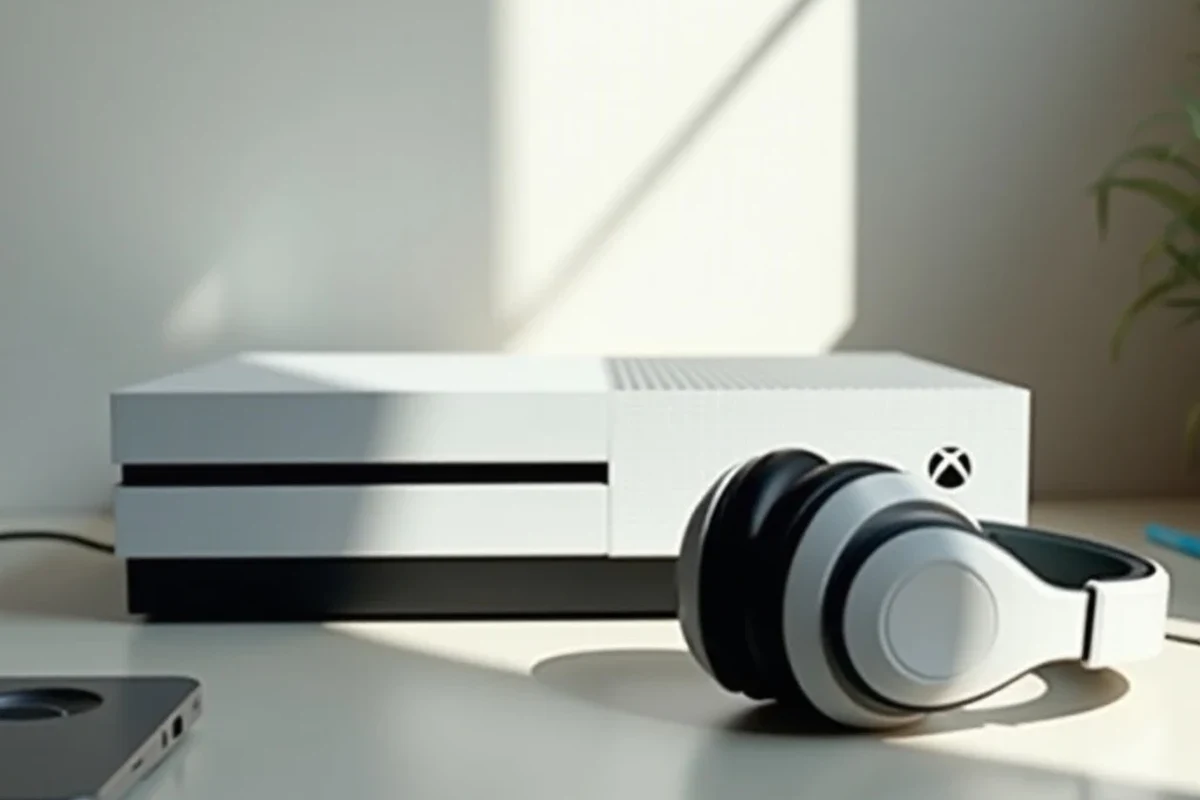
Image source: lapwhiz.com
For most players, Bluetooth headphones still won’t pair directly with an Xbox console in the same easy way they connect to a phone or laptop. If your goal is wireless game audio, Xbox Wireless headsets, a TV-based connection, or a Bluetooth transmitter are the most realistic options.
This is one of the most common gaming audio questions we see at Top Headphone Reviews, especially from readers who already own a good pair of Bluetooth cans and want to use them for console gaming. The good news is that there are several workable alternatives, and the best one depends on whether you care most about convenience, latency, mic support, or budget.
Why Xbox Consoles Still Don’t Support Standard Bluetooth Audio
Image source: bladked.com
Xbox has its own wireless audio system, and Microsoft has long favored that approach over standard Bluetooth for headset pairing. That design choice helps reduce lag and improve chat integration, but it also means your everyday Bluetooth headphones usually won’t show up as a simple pairing option.
How Xbox Wireless differs from Bluetooth
Bluetooth is designed for broad compatibility across phones, tablets, laptops, and many TVs. Xbox Wireless is a separate wireless standard built specifically for Xbox accessories, and it is optimized for gaming audio and controller communication.
In practical terms, Xbox Wireless can offer a more stable experience for game audio and voice chat than generic Bluetooth. If you want to understand the broader differences between wireless and wired listening, our guide on Bluetooth vs wired headphones sound quality is a helpful starting point.
Xbox Wireless is built for low-lag gaming, while standard Bluetooth is built for general device compatibility.That’s why most Bluetooth headphones need a workaround on Xbox.
Which Xbox models are affected: Series X, Series S, One, and older consoles
This limitation affects the Xbox Series X, Series S, Xbox One, and most older Xbox consoles as well. In other words, the issue is not just a new-console problem—it’s part of the Xbox ecosystem itself.
So if you were hoping your Bluetooth headphones would work the same way across every console, that usually isn’t the case. Some users try to force a connection through accessories or TV settings, but the console itself still does not behave like a standard Bluetooth audio source.
Best Ways to Use Wireless Headphones with Xbox Instead of Bluetooth
If direct Bluetooth pairing is off the table, the next best step is choosing a connection method that fits your headset and setup. Some options are cleaner and more reliable than others, especially for fast-paced games where audio delay matters.
Using Xbox Wireless headsets for direct pairing
The simplest route is to buy a headset that supports Xbox Wireless. These headsets are made to pair directly with the console and usually provide the smoothest mix of game audio and chat support.
For most Xbox players, this is the easiest “it just works” solution. It may cost more than using your existing Bluetooth headphones, but it often saves time, troubleshooting, and frustration.
Connecting via the controller’s 3.5mm jack or USB adapter workarounds
If your headphones have a wired mode, the controller’s 3.5mm jack can be a straightforward fallback. This gives you a dependable audio path, and many wireless headphones can still work in wired mode when the battery is low or when you want less delay.
USB adapters are another possibility, but compatibility varies a lot by headset and console setup. Before buying anything, check whether the adapter is meant for Xbox use, because not every USB audio accessory will behave the same way.
Not every “wireless” headset supports every console feature. Mic support, sidetone, and chat balance can vary by brand and model.
Using a TV, monitor, or AV receiver as the audio source
Another common workaround is to send Xbox video to a TV or monitor that supports Bluetooth audio output. In that setup, the console sends sound to the display first, and the display sends audio to your Bluetooth headphones.
This can work well for casual gaming and TV watching, but it is not always ideal for competitive play. The extra audio hop can introduce delay, and that delay may be noticeable in rhythm games, shooters, or anything where timing matters.
Step-by-Step Workarounds That Actually Work in Real Gaming Setups
There is no single perfect workaround for every player, so the “best” method depends on your gear. Below are the most practical setups people use when they want to keep their Bluetooth headphones and still hear Xbox audio.
Pairing headphones to a TV with Bluetooth audio output
1
Make sure your TV supports Bluetooth audio output and that the setting is enabled in the sound menu.
2
Put the headphones in pairing mode and connect them the same way you would with a phone.
3
Launch a game and check whether the audio stays in sync with the action on screen.
This method is easy and convenient, especially if you already use your TV for movies and streaming. If your TV has a strong wireless implementation, it can be a simple all-in-one solution for casual gaming nights.
Using a Bluetooth transmitter on the Xbox controller or console
A Bluetooth transmitter can sometimes turn a non-Bluetooth audio source into a Bluetooth-friendly one. Depending on the model, you may connect it through the controller’s 3.5mm jack, the console, or another audio output on your setup.
Before buying, check whether the transmitter supports low-latency audio and whether it works with your exact Xbox setup. Cheap transmitters can be hit-or-miss, and the wrong one may create more problems than it solves.
Cheap Bluetooth transmitters and low-quality adapters can add lag, unstable pairing, or poor sound quality. Compatibility varies widely, so read the product details carefully before buying.
Streaming Xbox audio to a phone or PC with the Xbox app
Some players use the Xbox app on a phone or PC as part of their audio setup, especially for remote play or streaming-based use cases. In that case, you may be able to route sound through the device that already supports your Bluetooth headphones.
This can be useful for convenience, but it is not the same as a direct console connection. For some games and some networks, the experience may be perfectly fine; for others, latency and stability may make it less appealing.
Common Problems Players Run Into When Trying Bluetooth on Xbox
Even when a workaround technically works, it may not feel great in real use. The biggest complaints are usually delay, missing mic features, and unpredictable connection quality.
Audio lag and lip-sync delay in fast-paced games
Bluetooth audio can introduce latency, which is the delay between the action on screen and the sound in your headphones. In story games or slower titles, that may be easy to ignore, but in competitive games it can be distracting.
If you care about tight timing, gunfire cues, or rhythm accuracy, even a small delay can matter. That’s why many players prefer a wired connection or an Xbox Wireless headset for serious gaming.
Mic support limitations and chat audio issues
Some Bluetooth headphones work fine for listening but do not handle Xbox chat the way you expect. You may get game audio without proper voice chat, or the microphone may behave inconsistently depending on the adapter or TV used.
This is one of the biggest reasons Bluetooth is not a clean Xbox solution. If party chat matters to you, always check mic compatibility before assuming your headphones will cover both game sound and communication.
!
If you rely on voice chat for competitive play, or if you notice hearing fatigue, persistent ringing, or discomfort, consider speaking with an audiologist or audio specialist. Safe listening habits matter just as much as compatibility.
Dropouts, range problems, and unstable connections
Bluetooth can be sensitive to interference from walls, other wireless devices, and crowded living-room setups. That means your audio may cut out, stutter, or disconnect at the worst possible time.
For a deeper look at wireless stability and common fixes, our article on Bluetooth headphone lag fix covers the kinds of issues people often run into with wireless audio.
i
Many gaming headsets use a dedicated wireless system instead of standard Bluetooth specifically to reduce delay and improve chat performance.
Expert Advice: When Bluetooth Is Fine and When It’s a Bad Idea
Bluetooth on Xbox is not always a terrible idea. It’s just important to match the method to the way you play, because casual use and competitive use have very different expectations.
Best use cases for casual gaming, single-player, and TV watching
Bluetooth workarounds can be perfectly fine for single-player games, slower adventures, and couch play where absolute timing is not critical. They can also be handy if you want one pair of headphones for Xbox, music, and TV.
If you mostly play for story, atmosphere, or relaxed sessions, convenience may matter more than perfect latency. In that case, a TV-based Bluetooth setup can feel practical and easy.
When competitive players should avoid Bluetooth entirely
If you play shooters, fighting games, sports titles, or anything where split-second audio matters, Bluetooth is usually not the best choice. Low-lag audio is more important than wireless convenience in those situations.
Competitive players are usually better served by Xbox Wireless headsets or a stable wired connection. That gives you a more predictable experience and fewer variables to troubleshoot mid-game.
Safety warning about cheap transmitters and low-quality adapters
It can be tempting to buy the cheapest adapter you can find, but that often leads to frustration. Poorly made accessories may sound thin, disconnect often, or fail to support the features you need.
Listening at high volumes for long periods can cause hearing damage. Keep volume at 60% or below for extended sessions.
As always, if you notice ringing, discomfort, or listening fatigue, lower the volume and take breaks. If symptoms continue, consult a hearing professional.
Cost Comparison: Xbox Wireless Headsets vs Bluetooth Workarounds
Price is often the deciding factor. You may already own Bluetooth headphones, so spending a little on an adapter seems cheaper than buying a new headset—but the long-term value depends on how much hassle you’re willing to accept.
Budget transmitter options vs premium headset upgrades
Budget transmitters may look appealing because they let you reuse existing headphones. The tradeoff is that performance can vary, and some inexpensive options create enough lag or instability to ruin the experience.
Premium Xbox Wireless headsets usually cost more upfront, but they often provide a cleaner setup with fewer compatibility headaches. For many gamers, that convenience is worth paying for.
Budget optionVaries
Premium optionVaries by brand
Value comparison for gamers who also use headphones for music and TV
If you want one headset for everything, Bluetooth headphones can still make sense as a general-purpose purchase. They are easy to use with phones, laptops, and streaming devices, which helps justify the cost.
But if Xbox gaming is your main use case, a dedicated gaming headset may be the better value. It can save time, improve chat reliability, and deliver a more consistent experience in daily play.
If you’re still deciding what kind of headphones fit your needs, our guide to types of headphones explained can help you narrow down the best style for gaming and everyday use.
Final Verdict: The Easiest Way to Get Wireless Audio on Xbox in 2025
So, can you connect Bluetooth headphones to Xbox? Not directly in the normal way most people expect, and that limitation still matters in 2025. You can work around it, but the best method depends on whether you care more about convenience, chat support, or low latency.
Best overall recommendation based on convenience, latency, and price
If you want the smoothest experience, an Xbox Wireless headset is usually the easiest choice. If you already own Bluetooth headphones and only play casually, a TV Bluetooth output or transmitter may be good enough.
For competitive gaming, wired audio or a true Xbox-compatible wireless headset is still the safer pick. That combination usually gives you the most reliable sound, the best chat support, and fewer delays.
Final recap of what works, what doesn’t, and what to buy
Direct Bluetooth pairing is not the standard Xbox solution, so don’t buy headphones expecting a simple one-step connection. Instead, choose between Xbox Wireless, a wired controller connection, a TV-based workaround, or a Bluetooth transmitter depending on your setup.
For most readers at Top Headphone Reviews, the smartest move is to match the headset to the way you actually play. Casual users can get by with workarounds, but anyone who values speed, mic clarity, and stability should prioritize Xbox-ready audio gear.
Frequently Asked Questions
Do wireless headphones sound better than wired headphones for Xbox gaming?
Wired headphones usually offer more consistent latency, while wireless models add convenience. Sound quality depends on the headset, but wired is often the safer choice for competitive play.
Are noise cancelling headphones good for gaming on Xbox?
Yes, especially for blocking background noise during casual play or TV use. Just make sure the headset still fits comfortably and supports the connection method you need.
Should I choose open-back or closed-back headphones for Xbox?
Closed-back headphones are usually better for gaming because they isolate noise and keep sound from leaking out. Open-back models can sound wider, but they are less private and less practical in noisy rooms.
What specs should I check before buying gaming headphones for Xbox?
Check connection type, mic support, latency, comfort, and battery life if the headset is wireless. If you care about sound tuning, also look at driver type and whether the headset supports EQ.
How do I keep Bluetooth headphones comfortable during long gaming sessions?
Look for lighter headsets, soft ear cushions, and a headband that does not clamp too tightly. Comfort can vary a lot by ear shape and glasses use, so fit matters as much as features.
Are expensive headphones always better for Xbox gaming?
Not always. A higher price can bring better build quality, comfort, and features, but the best choice is the one that fits your gaming style and works reliably with your setup.
Credit : Source Post