

No, you cannot connect standard Bluetooth headphones directly to PlayStation Portal. To use wireless audio, you’ll need a compatible PlayStation Link headset or a Bluetooth transmitter workaround.
If you’re asking whether you can connect Bluetooth headphones to PlayStation Portal, the short answer is no, not directly. Sony does not support standard Bluetooth audio on the Portal, so you’ll need a compatible wireless headset, a Bluetooth transmitter workaround, or a wired option instead.
- Direct support: Standard Bluetooth headphones are not supported on Portal.
- Best wireless choice: PlayStation Link is the cleanest low-latency option.
- Workaround: Bluetooth transmitters can work, but performance varies.
- Simple backup: Wired headphones are the easiest reliable option.
Can You Connect Bluetooth Headphones to PlayStation Portal? The Short Answer for 2025
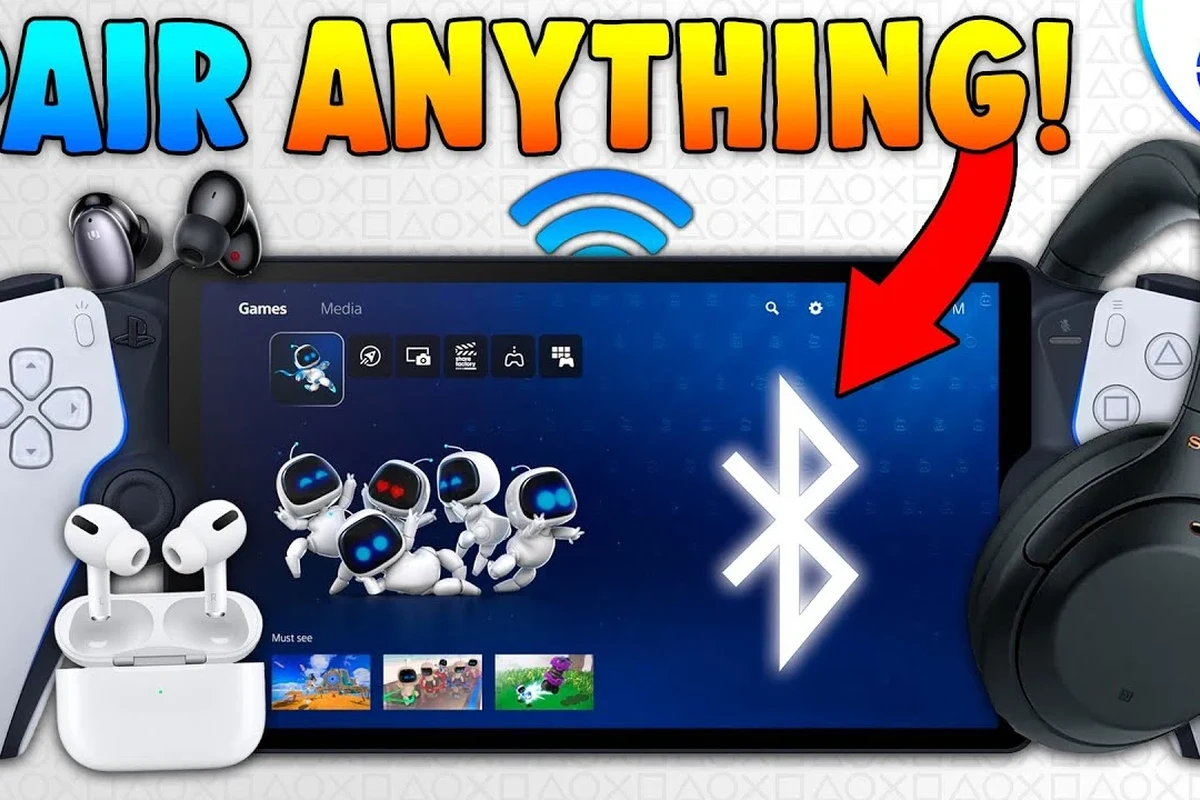
Image source: i.ytimg.com
For most users in 2025, the answer is still the same: standard Bluetooth headphones do not pair directly with PlayStation Portal. That means your everyday wireless earbuds or over-ear Bluetooth headphones will not connect in the normal way through the Portal’s settings.
This is important because many people buy the Portal expecting it to behave like a phone, tablet, or laptop. It does not work that way, and understanding the audio limits upfront can save you time, frustration, and extra spending.
Audio compatibility can change with firmware updates and accessory support, so always check Sony’s current guidance before buying a headset or adapter.
How PlayStation Portal Audio Works: Bluetooth Limits, Sony’s Wireless Audio, and Why It Matters
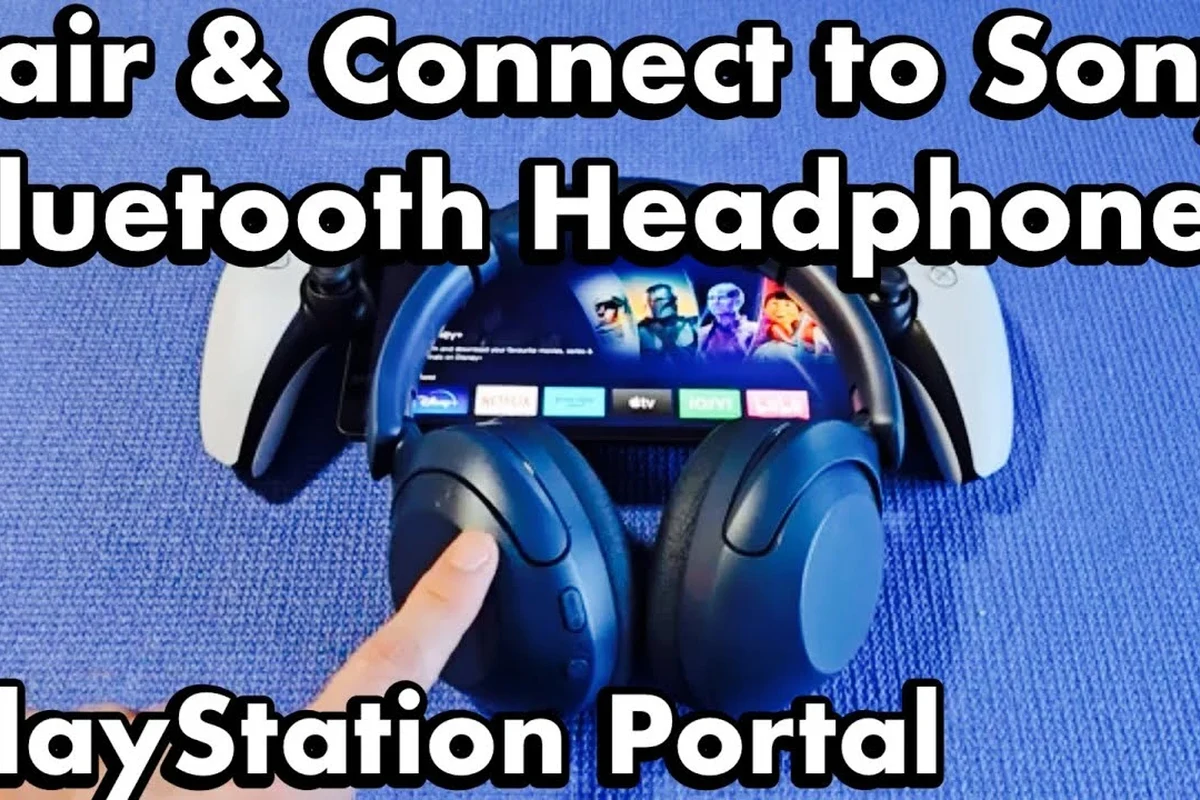
Image source: i.ytimg.com
PlayStation Portal is designed as a remote-play handheld for your PS5, not as a general-purpose Bluetooth audio device. That design choice shapes how audio is handled and why some headphones work while others do not.
For readers comparing wireless setups, it helps to understand the difference between standard Bluetooth, Sony’s own wireless audio approach, and simple wired connections. If you want a broader primer on pairing devices, our guide on how to connect Bluetooth headphones explains the usual process on phones and other devices.
Why standard Bluetooth headphones are not supported directly
The main reason is latency and device design. Standard Bluetooth can introduce a small delay, which is fine for music or podcasts but can feel off in games where sound timing matters.
That delay can make footsteps, reload sounds, and dialogue cues feel slightly out of sync. Sony appears to prioritize a more controlled audio path for gaming, which is why the Portal does not simply open the door to every Bluetooth headset.
Trying to force a Bluetooth pairing method that the Portal does not support may lead to unstable audio, poor sync, or no connection at all.
What Sony’s PlayStation Link and USB audio options change
Sony’s PlayStation Link is the company’s low-latency wireless audio system for supported headsets and earbuds. It is built for gaming responsiveness, which is why it is the cleaner wireless path for Portal users who want a headset without cable clutter.
USB audio options can also matter, depending on the accessory and how it is supported. In practical terms, this means the Portal is more flexible with approved or compatible accessories than with generic Bluetooth headphones.
i
Low-latency wireless systems are often preferred for gaming because even a small delay can be more noticeable than a slight change in sound quality.
Best Ways to Use Wireless Headphones With PlayStation Portal
If your goal is simple convenience, there are still good ways to listen wirelessly with Portal. The best choice depends on whether you care most about latency, price, microphone support, or travel-friendly portability.
For many gamers, the decision comes down to whether they want the smoothest gaming experience or the easiest way to use gear they already own.
Using a compatible PlayStation Link headset for low-latency gaming
This is the most straightforward wireless route if you want gaming-focused audio. A PlayStation Link headset is designed to work with Sony’s supported ecosystem, which usually means better timing for gameplay than a generic Bluetooth workaround.
The tradeoff is cost and compatibility. You may need to buy into a specific accessory family, so this option makes the most sense if you want the cleanest experience and plan to use the headset for more than just Portal.
If you play shooters, action games, or rhythm titles, prioritize low-latency wireless over “universal” Bluetooth convenience.
Using Bluetooth transmitters as a workaround: how they work and where they plug in
A Bluetooth transmitter can sometimes act as a bridge between the Portal and your favorite Bluetooth headphones. In simple terms, the transmitter receives audio from the Portal through a supported output path and sends it to your headset over Bluetooth.
This workaround can be useful if you already own a good pair of headphones and do not want to replace them. The catch is that performance varies by transmitter quality, codec support, and how the adapter physically connects to the Portal or your setup.
Before buying one, check whether the transmitter is actually compatible with the Portal’s available audio output method. If you want a general refresher on Bluetooth behavior and pairing basics, our explainer on Bluetooth headphones explained simply can help.
Using wired headphones or earbuds when convenience matters more than wireless
Wired headphones remain the simplest fallback option. If your priority is reliable audio with no pairing issues, a cable can be the most practical choice for Portal sessions at home or on the go.
Wired audio also avoids battery management, which is helpful for long travel days or shared charging situations. If you like comparing wired and wireless performance, our article on Bluetooth vs wired headphones sound quality gives a helpful overview of the tradeoffs.
Step-by-Step Setup Examples for Popular Listening Scenarios
There is no single “best” setup for every Portal owner. The right answer depends on whether you are gaming in a quiet room, traveling, sharing space with others, or trying to keep costs down.
- PlayStation Link is the cleanest wireless option.
- Bluetooth headphones need a workaround, not direct pairing.
- Wired audio is the simplest and most reliable backup.
Connecting a PlayStation Link headset to Portal for quick pairing
If you own a supported PlayStation Link headset, pairing is usually the easiest route. Start by putting the headset or earbuds into pairing mode, then follow the accessory instructions for linking it to the Portal.
Keep the headset charged and close to the Portal during setup. If the connection fails, check whether the accessory needs a firmware update or a reset before trying again.
1
Make sure the headset has enough battery and is in pairing mode.
2
Use the headset’s official instructions for PlayStation Link setup.
Pairing a Bluetooth transmitter with Portal and a favorite headset
If you are using a transmitter, first confirm the adapter is meant for your connection type. Then connect the transmitter to the Portal’s supported audio path, pair the transmitter to your Bluetooth headphones, and test the sound before starting a game.
This setup can be convenient, but it is not always as seamless as official wireless gear. You may need to troubleshoot sync, volume, or power issues depending on the adapter and headset combination.
- Supported connection type
- Latency performance
- Battery life of both devices
Choosing a wired backup setup for travel, shared spaces, or budget use
For a simple backup, plug in a wired headset or earbuds that you already trust. This is especially useful if you are traveling, sitting in a dorm, or playing in a place where charging another device is inconvenient.
Wired options are also easier for budget buyers because you do not need a transmitter or a premium wireless gaming headset. For users who want a more general look at headphone types, the guide to types of headphones explained can help narrow the choice.
What to Watch Out For: Latency, Mic Support, Battery Life, and Audio Quality
When choosing headphones for Portal, the biggest mistakes usually happen when people focus only on “wireless” and ignore the gaming details. Latency, microphone support, comfort, and battery life can matter just as much as sound quality.
Listening at high volumes for long periods can cause hearing damage. Keep volume at 60% or below for extended sessions.
Common mistakes users make when trying to force Bluetooth pairing
The most common mistake is assuming every Bluetooth headset should work because it works with a phone. Portal is not a phone, and its audio support is more limited than many users expect.
Another mistake is buying the cheapest transmitter without checking compatibility or delay performance. A low-cost adapter may connect, but that does not mean it will sound good during gameplay.
- Can reuse existing headphones
- May be cheaper than buying a new headset
- Latency can be noticeable
- Compatibility can be inconsistent
Expert warning: why delay can ruin gameplay in shooters and rhythm games
Even a small audio delay can be distracting when timing matters. In shooters, you may hear actions a little late; in rhythm games, the delay can make the experience feel off and harder to enjoy.
If you are sensitive to sync issues, low-latency wireless or wired audio is usually the safer choice. And if you ever notice volume-related discomfort, ringing, or persistent ear fatigue, consider safe listening habits or speak with an audiologist.
!
If you experience frequent ringing, pressure, or discomfort after gaming sessions, consult an audiologist or hearing professional for personalized guidance.
Cost and Value Comparison: PlayStation Link Headsets vs Bluetooth Workarounds
Budget matters, especially when the Portal already represents a separate gaming purchase. The best value depends on whether you want the most polished experience or the lowest total cost.
As with most headphone buying decisions, prices can vary by brand, model, retailer, and sales timing.
Price range of official wireless options in 2025
Official wireless accessories generally cost more than basic Bluetooth headphones or simple wired earbuds. That extra cost often buys better gaming integration, lower latency, and fewer setup headaches.
If you plan to use the headset across multiple PlayStation devices, the value can improve. If you only need occasional Portal audio, the premium may feel harder to justify.
Budget optionVaries
Premium optionVaries by brand
Budget-friendly transmitter and wired alternatives
A Bluetooth transmitter can be a lower-cost way to keep using headphones you already own, but the savings depend on whether the adapter performs well enough for gaming. Sometimes the cheapest route ends up costing more if you replace it later.
Wired earbuds are usually the most affordable and dependable option. They may not be as flashy, but they often deliver the best value for players who just want clear sound and no pairing trouble.
Key audio insight hereFor Portal, “best value” often means the least complicated setup that still keeps game audio in sync.
Final Verdict: The Best Headphone Choice for PlayStation Portal Users in 2025
So, can you connect Bluetooth headphones to PlayStation Portal? Not directly, and that is the main thing buyers need to know before shopping. If you want wireless audio, a PlayStation Link headset is the most straightforward option, while Bluetooth transmitters and wired headphones are the main workarounds.
For most people, the best choice comes down to use case: choose official low-latency wireless for the cleanest gaming experience, choose wired for reliability and value, or use a transmitter only if you are comfortable with extra setup and possible delay. If your priority is convenience over perfect gaming sync, a workaround may be fine; if your priority is responsiveness, stick with the most gaming-focused option available.
Quick recap of compatibility, best use cases, and buying advice
If you already own Bluetooth headphones, check whether a transmitter makes sense before buying new gear. If you want the least hassle and best timing for gaming, go with a supported wireless headset or a wired backup.
For long sessions, comfort and safe volume matter as much as connection type. Choose the setup that fits your budget, your games, and your ears.
Frequently Asked Questions
Why won’t my Bluetooth headphones connect directly to PlayStation Portal?
PlayStation Portal does not support standard Bluetooth headphone pairing. Sony limits direct Bluetooth audio, so you need a supported wireless accessory, a transmitter workaround, or a wired connection.
Is PlayStation Link better than Bluetooth for gaming on Portal?
Usually yes, because PlayStation Link is designed for lower-latency gaming audio. That can make sound feel more responsive than a typical Bluetooth connection.
Do wireless headphones sound worse than wired headphones on Portal?
Not always, but wired headphones are usually more reliable and can avoid latency issues. Wireless sound quality depends on the headset, connection type, and your personal preference.
What should I check when buying headphones for gaming and TV use?
Check latency, comfort, battery life, microphone support, and whether the headset is officially compatible with your device. For gaming, also consider sound clarity, bass balance, and long-session comfort.
Are over-ear, on-ear, or in-ear headphones better for long gaming sessions?
Over-ear headphones are often the most comfortable for long sessions, but fit depends on head shape and ear size. In-ear earbuds can be more portable, while on-ear models may feel lighter but less cushioned.
How can I improve sound quality with Bluetooth or wireless headphones?
Use the most stable connection available, keep firmware updated, and adjust EQ only if it improves clarity for your games. If you want more bass or clearer footsteps, small EQ changes are usually better than extreme boosts.
Credit : Source Post