

Yes, but not directly through standard Bluetooth pairing on the Xbox console. Most people need a workaround like a transmitter, TV audio route, or an Xbox-compatible headset.
If you are asking, is there a way to connect bluetooth headphones to xbox, the short answer is yes, but not in the simple direct way most people expect. Xbox consoles do not support standard Bluetooth audio pairing, so you usually need a workaround such as a transmitter, a TV connection, or an Xbox-compatible headset.
That can sound frustrating at first, but the good news is that there are several practical ways to get wireless audio on Xbox. The best option depends on whether you care more about game sound, party chat, microphone support, low latency, or using one headset across multiple devices.
- Direct pairing: Xbox does not natively support standard Bluetooth headphones.
- Best workarounds: Use a transmitter, TV output, or app-based chat setup.
- Better alternatives: Xbox Wireless, wired, and USB wireless headsets usually perform better.
- Main tradeoff: Bluetooth can add latency and may limit microphone support.
Can You Connect Bluetooth Headphones to Xbox in 2025?
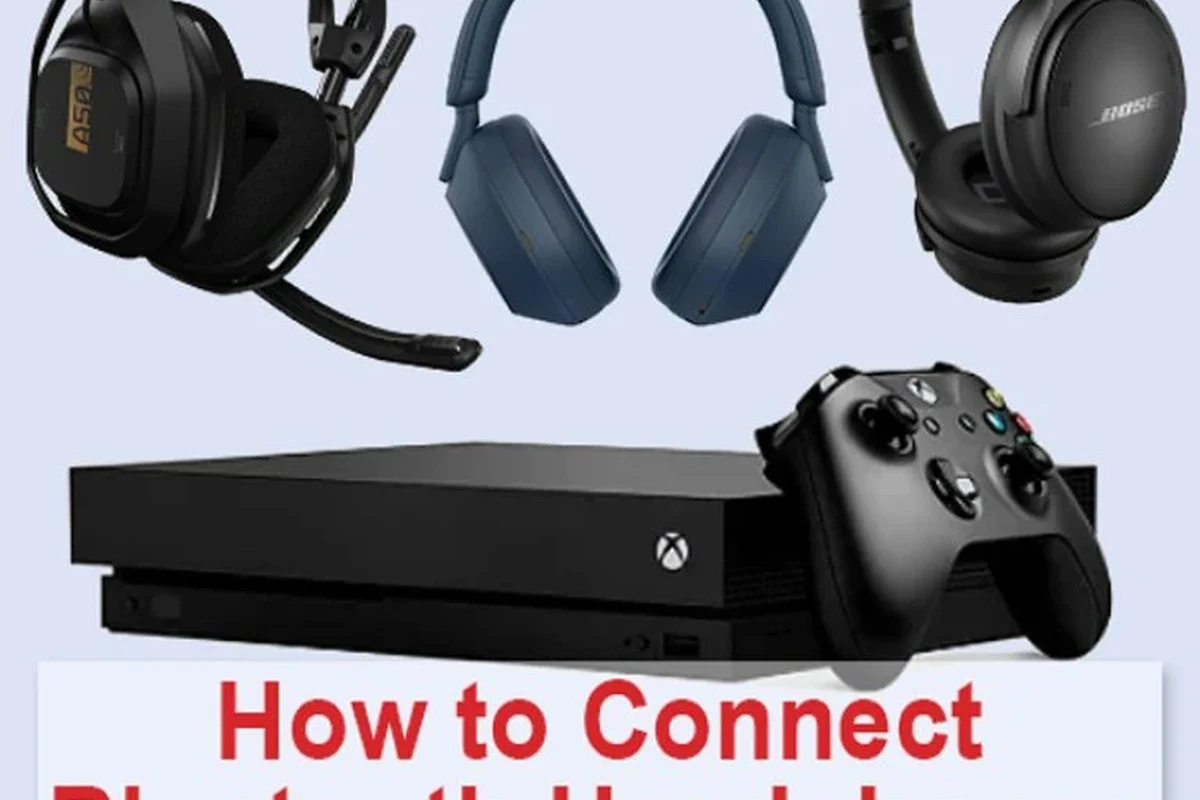
Image source: reviews-technology.com
In 2025, Xbox still does not let you pair most Bluetooth headphones directly to the console the way you would with a phone, tablet, or laptop. If you go into the Xbox settings looking for a standard Bluetooth menu, you will not find a normal headphone-pairing path for typical Bluetooth audio devices.
That does not mean wireless audio is impossible. It means Xbox uses its own wireless audio system for supported accessories, and most Bluetooth headphones are left out of that native connection. For many players, the workaround is good enough, but it is important to know the limits before buying an adapter or expecting instant pairing.
Compatibility can vary by headset, controller model, TV, and adapter. Always check the product’s supported devices before you buy.
Why Xbox Does Not Support Standard Bluetooth Audio
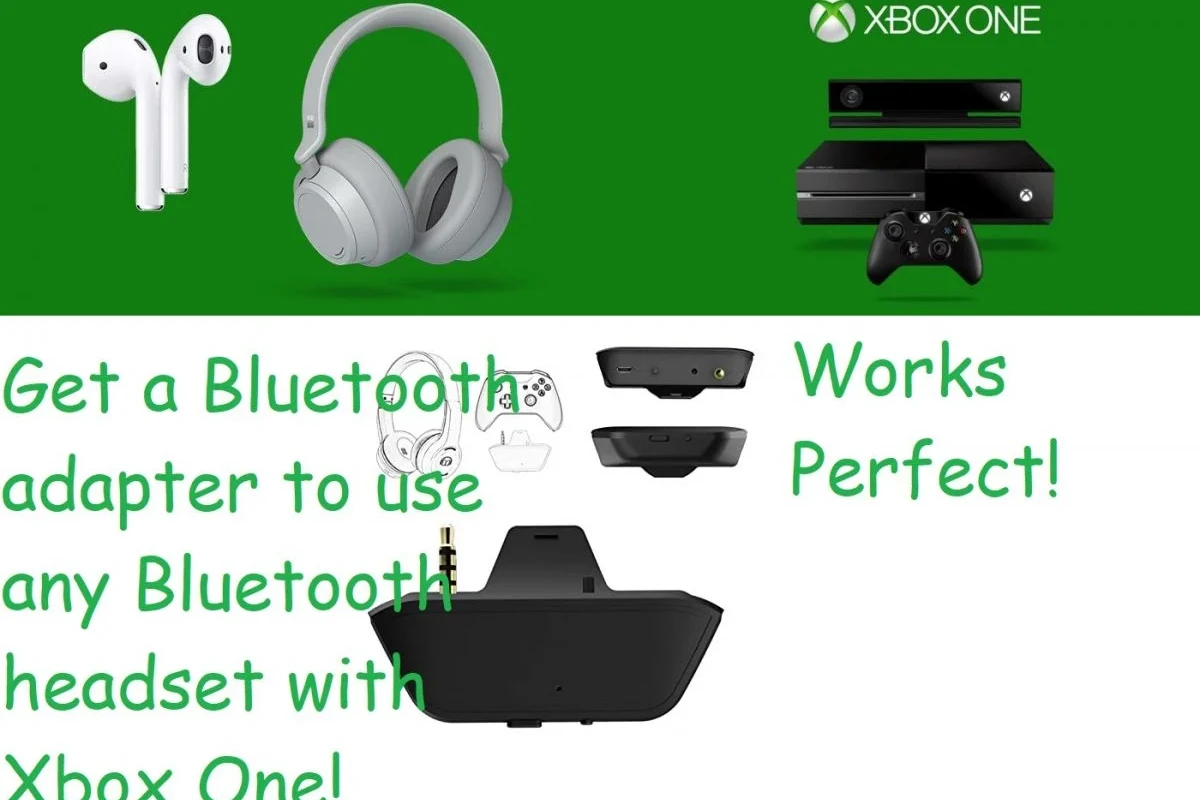
Image source: gamerssuffice.com
Xbox is designed around its own wireless ecosystem, which helps reduce interference and keeps accessories connected in a way the console can manage more reliably. Standard Bluetooth audio is a different system, and Microsoft has historically chosen not to make it the default for console sound output.
How Xbox Wireless Differs From Bluetooth
Xbox Wireless is Microsoft’s own connection method for certain headsets and accessories. It is built specifically for the console experience, which can help with lower delay and more stable gameplay audio than many basic Bluetooth setups.
Bluetooth, on the other hand, is a general-purpose wireless standard used by phones, tablets, and laptops. It is convenient, but it is not always ideal for gaming because audio delay, mic support, and connection stability can vary by headset and adapter.
i
Many gaming headsets marketed as “wireless” are not Bluetooth-only. Some use a dedicated USB dongle or Xbox Wireless connection for better game performance.
What This Means for Most Bluetooth Headphones
If you already own Bluetooth headphones, they may still work with Xbox through a workaround, but usually not by pairing them directly to the console. In practice, that often means routing audio through a TV, monitor, controller accessory, or separate transmitter.
The main tradeoff is latency. For casual play, slight delay may not bother you much, but for fast shooters, rhythm games, or competitive multiplayer, even small lag can be noticeable. That is why many Xbox users eventually switch to a purpose-built gaming headset.
Best Ways to Use Bluetooth Headphones with Xbox
If your goal is to keep using your current Bluetooth headphones, there are a few ways to do it. Each method has benefits and limitations, especially when it comes to sound quality, microphone use, and delay.
Using a Bluetooth Transmitter with the Xbox Controller or TV
A Bluetooth transmitter is one of the most common workarounds. Some models plug into the Xbox controller’s 3.5mm headphone jack, while others connect to a TV, monitor, or audio output and send sound to your Bluetooth headphones.
This can work well for game audio, but results vary a lot. Controller-based transmitters can be convenient, while TV-based setups may be easier for couch gaming. Still, you should expect possible audio lag, and microphone support is not always included.
- Does the transmitter support low-latency audio?
- Will it work with your controller, TV, or monitor?
- Do you need microphone support for chat?
Connecting Through a Smart TV, Monitor, or AV Receiver
If your TV, monitor, or AV receiver supports Bluetooth audio output, you may be able to connect your headphones there instead of directly to the Xbox. The console sends sound to the display, and the display passes it to your headphones.
This is often the easiest option for people who already game through a TV. The downside is that TVs can add delay, and many do not handle chat audio or microphone input well. If you use this route, test the sound before a long gaming session.
If you notice a slight delay in gunshots or dialogue, try changing your TV’s audio mode or looking for a low-latency Bluetooth setting if your display offers one.
Using the Xbox App for Party Chat and Audio Workarounds
Some players use the Xbox mobile app or a second device for party chat while listening to game audio through another source. This can be useful if you want to keep your Bluetooth headphones in play without depending on the console for every audio function.
It is not the cleanest setup, but it can help in a pinch. For example, you might keep game sound on the TV and handle chat on your phone with Bluetooth earbuds. Just remember that mixing devices can become awkward if you want a simple, one-device solution.
Not every workaround supports both game audio and microphone chat. If voice chat matters to you, confirm mic compatibility before buying any adapter.
Xbox-Compatible Alternatives That Work Better Than Bluetooth
For many Xbox players, the easiest answer is not forcing Bluetooth at all. A headset made for Xbox often gives you better latency, easier setup, and more reliable chat support.
Xbox Wireless Headsets
Xbox Wireless headsets are designed to connect directly to supported Xbox consoles without the usual Bluetooth pairing hassle. They are often the simplest wireless option for players who want gaming audio, chat, and fewer setup problems.
These headsets are usually a better fit than standard Bluetooth headphones if you play often. They may also offer stronger integration with the console, though sound tuning, battery life, comfort, and mic quality still vary by brand and model.
Key audio insight hereFor Xbox gaming, low latency usually matters more than Bluetooth convenience.
Wired 3.5mm Headphones and Headsets
Wired headphones remain one of the most reliable choices for Xbox. If your controller has a 3.5mm port, you can plug in and start playing with no battery, no pairing, and very little delay.
This is often the best budget route as well. A good wired headset can deliver clear chat, stable game audio, and fewer compatibility issues than many wireless options. If you want a deeper look at connection basics, our guide on Bluetooth headphones explained simply can help you compare wireless behavior more clearly.
USB Wireless Headsets and Adapter-Based Options
Some wireless headsets use a USB dongle or adapter instead of standard Bluetooth. These are common in gaming because they often provide more stable audio and lower delay than generic Bluetooth headphones.
On Xbox, adapter-based solutions can be a smart middle ground if you want wireless freedom without giving up performance. Just make sure the headset is explicitly compatible with Xbox, because PC-only USB models may not work the way you expect.
Practical Setup Examples for Different Xbox Users
The best solution depends on how you actually play. A casual living-room player, a late-night gamer, and someone who wants one headset for everything may all need different setups.
Casual Gaming on Xbox Series X|S
If you mainly play single-player games or casual multiplayer, a Bluetooth transmitter or TV-based connection may be enough. The convenience can outweigh the small drawbacks if you are not sensitive to delay.
For this type of user, comfort and simplicity matter more than ultra-low latency. A headset that is easy to wear for long sessions will often feel better than a more complicated wireless setup.
Late-Night Gaming Without Disturbing Others
If your main goal is quiet play, you will want a setup that keeps sound in your ears without leaking into the room. Closed-back headphones, noise-isolating earbuds, or a gaming headset with good passive isolation can all help.
Bluetooth can work here, but the best results often come from a headset that is made for gaming and has dependable volume control. If you use noise cancelling, remember that it improves comfort in noisy rooms but does not replace safe listening habits.
Listening at high volumes for long periods can cause hearing damage. Keep volume at 60% or below for extended sessions.
Using One Headset for Xbox, TV, and Phone
Many shoppers want one headset for everything. If that is your goal, look for a model that supports multiple connection types, such as Bluetooth plus a wired cable or a dongle-based wireless mode.
This is where flexibility matters most. A headset that works on your phone and TV may still need a separate solution for Xbox, so check the full compatibility list before you buy. If you also use headphones on other devices, our article on Bluetooth vs wired headphones sound quality can help you weigh the tradeoffs.
Common Mistakes When Trying to Pair Bluetooth Headphones with Xbox
Most connection problems come from assuming Xbox works like a phone. Once you know the common mistakes, it is much easier to avoid wasted money and setup frustration.
Expecting Direct Pairing in the Console Settings
The biggest mistake is expecting to find a normal Bluetooth menu inside Xbox settings. Standard Bluetooth headphones are not meant to pair directly to the console in the same way they do with mobile devices.
If you do not see your headphones listed, that is usually not a defect. It is simply a limitation of the Xbox audio system.
Buying the Wrong Adapter or Transmitter
Not every Bluetooth transmitter is built for gaming. Some are fine for music but struggle with latency, microphone support, or stable connections over longer sessions.
Before buying, check whether the adapter supports low-latency audio, whether it works with your controller or display, and whether it can handle voice chat if you need it. A cheap adapter can end up being more annoying than helpful.
Ignoring Latency, Mic Support, and Audio Quality
Bluetooth audio can sound perfectly fine for movies or music and still feel off in games. Even a small delay can make dialogue, footsteps, or gunfire feel disconnected from the action.
Mic support is another common surprise. Some setups allow you to hear game audio but do not pass your voice back to the console cleanly. If chat matters, prioritize headset compatibility over simple wireless convenience.
!
If you experience ongoing ear discomfort, ringing, or hearing fatigue after gaming, speak with an audiologist. Persistent symptoms are worth checking early, especially if you game at night or use headphones for long sessions.
Expert Advice: What to Look for Before Buying a Headphone Solution
Before you spend money, decide what matters most: low delay, clear chat, comfort, battery life, or one headset for multiple devices. The right choice for Xbox is often the one that fits your actual routine, not just the one with the biggest wireless claim.
Latency, Battery Life, and Microphone Performance
For gaming, latency is usually the most important wireless factor. If audio delay bothers you, prioritize solutions designed for gaming rather than general Bluetooth listening.
Battery life matters too, especially if you play for long sessions. Microphone quality can be just as important if you use party chat, and performance may vary a lot by headset design and price tier.
Budget vs Premium Options and Typical Price Ranges
Budget solutions can be good enough if you only need occasional wireless audio. That might mean a simple transmitter, a wired headset, or a basic Bluetooth workaround.
Premium options usually offer better comfort, stronger microphones, better battery life, and more stable wireless performance. Still, price does not guarantee the best fit, so it is worth comparing features carefully before you buy.
Budget optionVaries
Premium optionVaries by brand
When Bluetooth Is Good Enough and When It Is Not
Bluetooth is good enough when you want convenience, casual play, and a simple audio workaround. It is less ideal when you care about competitive timing, reliable mic chat, or the cleanest possible console integration.
If you play often, a purpose-built Xbox headset or a good wired headset will usually be the safer long-term choice. If you only play occasionally and already own Bluetooth headphones, a workaround may be perfectly acceptable.
- Xbox does not support standard Bluetooth headphone pairing directly.
- Workarounds include transmitters, TVs, monitors, and app-based chat setups.
- Xbox Wireless, wired headsets, and USB wireless models usually work better.
- Latency and microphone support are the biggest issues with Bluetooth.
Final Verdict: Is There a Way to Connect Bluetooth Headphones to Xbox?
Yes, there is a way to connect Bluetooth headphones to Xbox, but usually not through direct native pairing. Most users need a workaround such as a Bluetooth transmitter, a TV or monitor audio path, or a separate chat setup.
If you want the easiest and most reliable experience, an Xbox-compatible headset or wired headphones will usually be the better choice. But if you already own Bluetooth headphones and only need a practical solution for casual gaming, a good adapter-based setup can still get the job done.
Frequently Asked Questions
Do wireless headphones sound better than wired headphones for Xbox?
Wired headphones usually offer more stable audio and less delay, which is helpful for gaming. Wireless can be more convenient, but sound quality and latency depend on the headset and connection type.
Are noise cancelling headphones good for Xbox gaming?
Noise cancelling headphones can help reduce background noise and improve focus. They are useful for comfort, but they do not automatically fix latency or microphone issues.
Should I choose open-back or closed-back headphones for Xbox?
Closed-back headphones are usually better for Xbox because they block more outside noise and keep sound from leaking out. Open-back models can sound wider, but they are less private and less isolating.
What headphone drivers are best for gaming clarity and bass?
Driver type can affect bass, clarity, and overall tuning, but it is not the only factor. Frequency response, tuning, and fit matter too, so the best choice depends on your listening preferences and game style.
What should I check before buying headphones for Xbox gaming?
Check compatibility, latency, microphone support, comfort, and battery life if the headset is wireless. It also helps to review connection type, build quality, and whether the headset is designed for Xbox.
How can I make headphones more comfortable for long gaming sessions?
Look for lighter models, soft ear cushions, and a headband that does not clamp too tightly. If you get ear pain or fatigue, lower volume and take breaks, and consider speaking with an audiologist if symptoms continue.
Credit : Source Post