

The easiest way to use Bluetooth headphones with a PS5 is usually a compatible Bluetooth adapter or a USB wireless headset, not a direct standard Bluetooth pairing. If you want the most reliable sound with the least lag, wired audio or a PS5-ready wireless headset is often the better choice.
If you want to know how to connect headphones to ps5 bluetooth, the short answer is that the PS5 does not offer broad native Bluetooth audio support for most standard headphones. The easiest safe workaround is usually a compatible Bluetooth adapter, a USB wireless headset, or a wired connection depending on your priority for sound quality and latency.
- Direct Bluetooth is limited: Most standard headphones do not pair cleanly with PS5 audio.
- Adapters help: A good low-latency Bluetooth transmitter can make existing headphones usable.
- USB dongles are simpler: PS5-friendly wireless headsets usually offer better stability.
- Wired is most reliable: A 3.5mm cable avoids lag and pairing issues.
- Check settings: Audio output and mic routing matter after any connection method.
How to Connect Headphones to PS5 Bluetooth: What Works in 2025
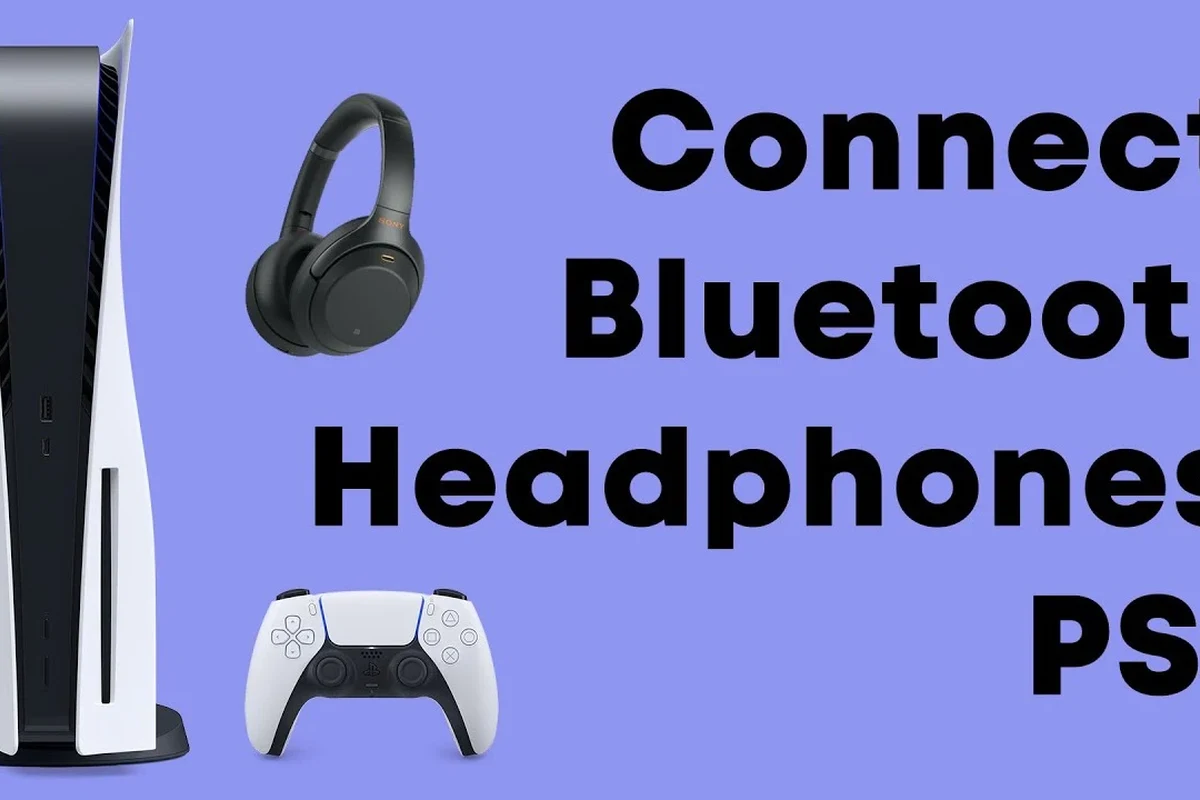
Image source: i.ytimg.com
In 2025, the most reliable way to use Bluetooth headphones with a PS5 is still through an external adapter or a headset designed to work with a USB dongle. The console itself is more limited than many players expect, so “pairing” a random Bluetooth headset directly often does not work the way it does on a phone or laptop.
That is why many readers end up choosing a workaround instead of a true direct Bluetooth connection. If you want a broader primer on pairing devices, our guide on how to connect Bluetooth headphones explains the basics, while this article focuses on what is practical specifically for PS5 players.
Key audio insight: PS5 Bluetooth support is limited, so the “best” method is usually a workaround, not a direct pair.That usually means an adapter, USB dongle headset, or wired backup.
Why PS5 Bluetooth Headphone Setup Is Different from Other Consoles
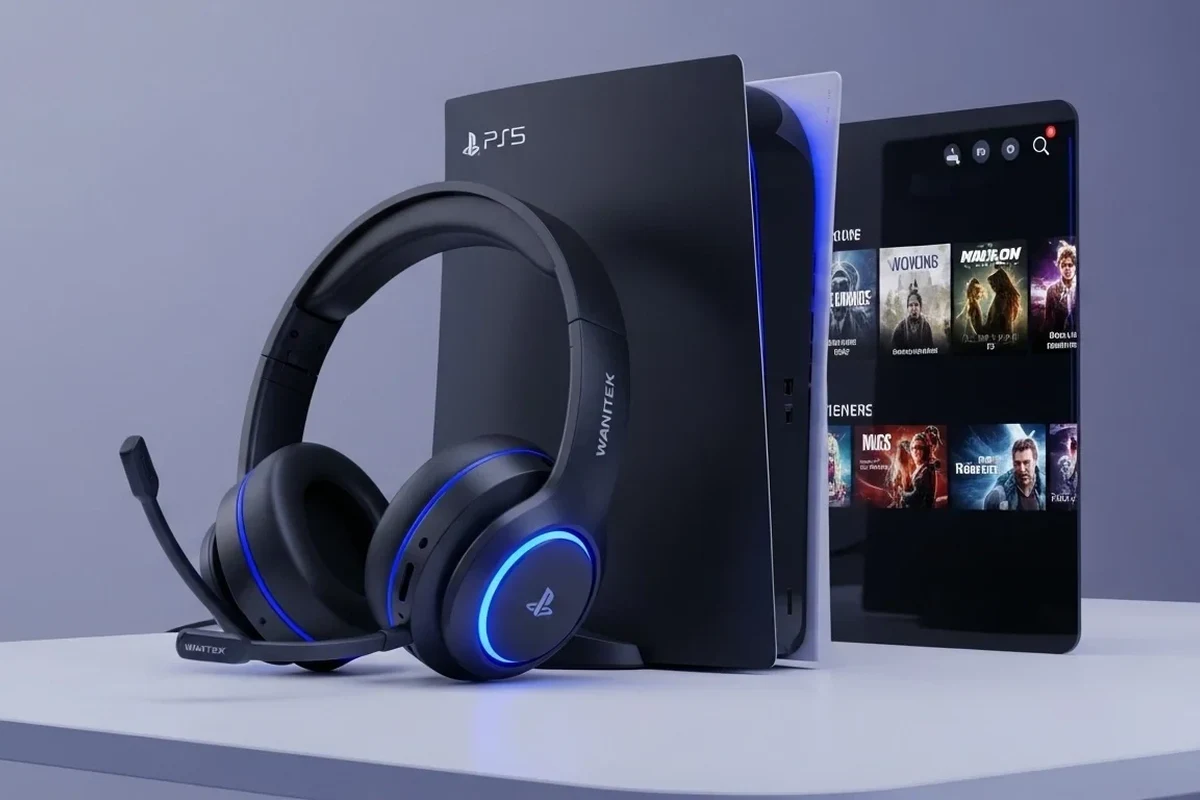
Image source: cdn.shopify.com
Console audio is a little more complicated than phone audio because the system has to handle game sound, voice chat, latency, and controller behavior all at once. That means the PS5 is much pickier about which wireless audio devices it accepts.
For many users, the goal is not just “does it connect?” but “does it sound good, stay synced, and keep voice chat working?” Those three things are what make PS5 setup different from a simple phone pairing.
Understanding Sony’s Bluetooth audio limitations on PS5
Sony’s PS5 is not designed to work like a universal Bluetooth audio receiver for every headphone model. In practice, many standard Bluetooth headphones are not supported for direct game audio, even if they can technically be discovered by the console in some situations.
This limitation helps reduce lag and connection issues, but it also means players need to think about compatibility before buying. If you are comparing wireless and wired sound behavior in general, our article on Bluetooth vs wired headphones sound quality is a useful companion read.
Why some headphones pair for chat but not game audio
Some devices may appear to connect for voice features or partial communication, but still fail to carry full game audio. That happens because the headset profile, adapter, or console support may not match what the PS5 needs.
In plain terms, a headset can be “connected” without being fully usable. This is especially common with older Bluetooth models, low-cost adapters, or headphones built mainly for phones rather than gaming.
Step-by-Step: How to Connect Bluetooth Headphones to PS5 Safely
If you want the safest and most practical setup, start by choosing the connection method first, then adjust the PS5 audio settings afterward. That order helps you avoid random pairing problems and makes troubleshooting much easier.
Using a Bluetooth adapter for direct wireless audio
A Bluetooth transmitter or adapter is the most common workaround for standard headphones. You plug the adapter into the PS5’s USB port or audio output path, then put the headphones into pairing mode and connect them through the adapter instead of the console itself.
This method can work well, but quality varies a lot by brand and model. Look for low-latency support if possible, because ordinary Bluetooth can create a noticeable delay in games where timing matters.
1
Connect the Bluetooth transmitter to a compatible PS5 port or audio path, following the adapter’s instructions.
2
Enable pairing on your headphones, then wait for the adapter to detect them.
3
Check that the PS5 is sending sound through the adapter and test game audio plus chat.
Cheap adapters can introduce lag, weak volume, or unstable connections. If you play fast-paced games, adapter quality matters more than the lowest price.
Pairing via USB dongle headphones and supported accessories
Many gaming headsets do not use standard Bluetooth at all. Instead, they ship with a USB dongle that creates a dedicated wireless link, which is often more stable and lower-latency than generic Bluetooth.
This is usually the easiest path for PS5 owners who want wireless convenience without the hassle of adapter compatibility. It is also a better choice if you want reliable voice chat and fewer dropouts during long sessions.
USB dongle headsets are often easier to set up than Bluetooth headphones because the console sees them as a supported wireless audio device, not a general Bluetooth accessory.
Checking PS5 audio output settings after pairing
Once the headset or adapter is connected, go into the PS5 sound settings and confirm the output device is set correctly. Also check whether the console is sending audio to the headset, the TV, or both.
If chat is not working, review the microphone input option as well. Sometimes the audio is fine but the mic is routed to the wrong device, which makes the headset seem “broken” when it is really a settings issue.
Best Headphone Connection Methods for PS5 Players
There is no single best method for every player. The right choice depends on whether you care most about latency, convenience, voice chat, movie watching, or budget.
Bluetooth transmitter vs. USB wireless headset vs. wired 3.5mm
A Bluetooth transmitter is best if you already own good headphones and want to reuse them. A USB wireless headset is usually better if you want a cleaner gaming setup with less troubleshooting.
Wired 3.5mm remains the simplest option for pure reliability. If you want a broader look at wireless behavior in general, our guide to Bluetooth headphones explained simply can help you understand the tradeoffs before you buy.
| Connection Method | Best For | Main Tradeoff |
|---|---|---|
| Bluetooth transmitter | Using existing headphones | Possible lag and compatibility issues |
| USB wireless headset | Gaming and voice chat | Usually costs more than adapters |
| Wired 3.5mm | Simple, stable audio | Less freedom of movement |
Which method is best for gaming, movies, and voice chat
For gaming, low latency matters most, so USB wireless headsets and wired options usually win. For movies, a decent Bluetooth adapter can be fine if sync is acceptable to you.
For voice chat, choose the method that offers the most stable microphone support. Some headphones sound good for listening but are not great for chat, especially when using generic Bluetooth workarounds.
- USB wireless headsets are usually simple and stable
- Wired audio gives the most reliable connection
- Bluetooth adapters let you reuse existing headphones
- Bluetooth can add lag
- Some adapters reduce sound quality
- Not every headset supports mic input well
Common Problems When Connecting Headphones to PS5 Bluetooth
Most PS5 Bluetooth complaints come down to three things: latency, compatibility, or settings. The good news is that many of these problems are fixable once you know where to look.
Audio lag, disconnects, and mic not working
Lag is the biggest issue with Bluetooth gaming audio because even a small delay can make action games feel off. Disconnects often point to a weak adapter, interference, or a headset that is not a great match for the PS5 setup.
If the mic is not working, check whether the adapter supports two-way audio or only playback. Some headphones can hear game sound but cannot send voice chat properly through the same connection.
Listening at high volumes for long periods can cause hearing damage. Keep volume at 60% or below for extended sessions.
Headphones that are not compatible with PS5 Bluetooth
Not all Bluetooth headphones are built for console use, and some are simply a poor fit for PS5 wireless audio. This is especially true for very old models, budget earbuds, and headphones that rely on phone-specific features.
If you are unsure whether your headphones will work, check the product manual and look for console support or USB dongle compatibility. That small step can save a lot of frustration later.
i
Many gaming headsets avoid standard Bluetooth altogether and use a dedicated wireless dongle because it usually keeps latency lower than normal Bluetooth audio.
How to fix low volume, no sound, or device detection issues
If the volume is too low, first check the headset volume, adapter gain, and PS5 output settings. A mismatch in any one of those places can make the system seem quieter than it really is.
No sound usually means the PS5 is sending audio to the wrong output or the adapter has not paired correctly. If the device is not detected at all, reset the headset, unplug the adapter, and try pairing again from scratch.
- PS5 output device
- Headphone pairing mode
- Adapter power and connection
- Mic input settings
- Volume limits on the headset
Expert Advice: Avoid These PS5 Bluetooth Headphone Mistakes
The most common mistake is assuming every Bluetooth headset will behave the same way on PS5. In reality, the adapter, headset type, and game genre all affect the experience.
Why cheap adapters can cause latency and poor sound quality
Low-cost adapters can work, but they often cut corners on stability and audio processing. That can show up as delayed sound, weak bass, hiss, or random dropouts during gameplay.
If your goal is competitive play or long-term reliability, it is often smarter to spend a little more on a reputable adapter or skip the adapter route entirely. For readers comparing wireless options, our guide on how noise cancelling headphones work may also help if you want better isolation for TV and gaming rooms.
When to skip Bluetooth and choose a low-latency wireless headset
If you play shooters, rhythm games, or anything where timing matters, a low-latency wireless headset is usually the better buy. These headsets are designed for console use and typically avoid the delay issues that come with generic Bluetooth.
They also tend to be easier for chat, party audio, and long sessions. If you want the least troubleshooting, this is often the most practical route.
Cost Breakdown: Budget vs. Premium Ways to Use Headphones on PS5
Prices vary by brand, region, and availability, so it is best to think in ranges rather than exact numbers. The cheapest option is usually a wired setup, while premium wireless gaming headsets cost more but can save time and frustration.
What a Bluetooth adapter usually costs in 2025
Bluetooth adapters are usually the budget-friendly wireless option, but the cheapest models are not always the best value. You may save money upfront and then lose it in poor sound, lag, or replacement costs later.
Budget optionVaries
Premium optionVaries by brand
For safe buying, focus on compatibility, latency, and return policy more than the lowest sticker price. That approach is usually smarter for gaming headphones than chasing the cheapest listing.
Price comparison of wired, wireless dongle, and premium gaming headsets
Wired headphones are often the least expensive way to get clean audio on PS5, especially if you already own a good pair. USB wireless headsets usually sit in the middle or higher end because you are paying for convenience and better gaming support.
Premium gaming headsets can cost more, but they may offer better mic quality, stronger build quality, and fewer setup headaches. If comfort matters for long sessions, also pay attention to weight, ear cushion material, and clamp force rather than only sound specs.
- Wired is cheapest and most reliable.
- USB wireless is usually easiest for gaming.
- Bluetooth adapters are flexible but less predictable.
Final Recap: The Easiest Way to Connect Headphones to PS5 Bluetooth
If you want the simplest answer to how to connect headphones to ps5 bluetooth, use a compatible Bluetooth adapter or choose a PS5-ready USB wireless headset instead of trying to force a standard direct Bluetooth pairing. That gives you the best chance of getting stable audio with fewer connection problems.
For most players, the best choice is the one that balances sound quality, latency, and convenience. If you are unsure, start with wired audio for reliability, then move to a low-latency wireless setup only if it truly fits your gaming habits.
!
If you experience ringing, discomfort, or headaches during or after gaming, reduce volume immediately and consider speaking with an audiologist or hearing professional.
Frequently Asked Questions
Are wireless headphones better than wired headphones for PS5?
Wireless headphones are more convenient, but wired headphones usually offer the most reliable sound and the least lag. For competitive gaming, wired or low-latency wireless is often the safer choice.
Do noise cancelling headphones work well for gaming on PS5?
Noise cancelling headphones can work well if you want to block room noise and focus on the game. Just make sure the headset also has low enough latency and comfortable ear pads for long sessions.
Should I choose over-ear, on-ear, or in-ear headphones for PS5?
Over-ear headphones are usually best for long gaming sessions because they tend to be more comfortable and immersive. In-ear models can be portable, but they may not feel as spacious or comfortable over time.
What headphone specs matter most for sound quality?
Look at driver type, frequency response, comfort, and how the headphones handle bass, clarity, and soundstage. EQ can also help, but the right base tuning matters more than chasing numbers alone.
How much should I spend on gaming headphones?
Budget depends on whether you want simple wired audio, a Bluetooth adapter setup, or a premium wireless gaming headset. Spending more can improve comfort, mic quality, and stability, but the best value depends on your use case.
What should I check for comfort and durability?
Check ear cushion material, headband padding, weight, and overall build quality before buying. If you game for long periods, comfort is just as important as sound.
Credit : Source Post