

No, Xbox One does not support standard Bluetooth headphones directly. Use a wired controller connection, an Xbox-compatible wireless headset, or a TV/transmitter workaround instead.
If you’re asking, “can i use bluetooth headphones with xbox one,” the short answer is no, not directly. Xbox One does not support standard Bluetooth audio pairing the way a phone, laptop, or tablet does, so most Bluetooth headphones will not connect to the console in the usual way.
That does not mean you’re stuck with no wireless option. There are several practical workarounds, and the best one depends on whether you care most about sound quality, party chat, low latency, or keeping your setup simple.
- Direct pairing: Standard Bluetooth headphones usually will not connect to Xbox One.
- Best reliability: Wired controller audio is the simplest and most stable option.
- Best wireless: Xbox-compatible wireless headsets are usually easier than adapters.
- Workarounds: TV Bluetooth and transmitters can work, but latency may be noticeable.
- Chat support: Always check microphone compatibility before buying.
Can I Use Bluetooth Headphones with Xbox One? The Short Answer and What It Means in 2026
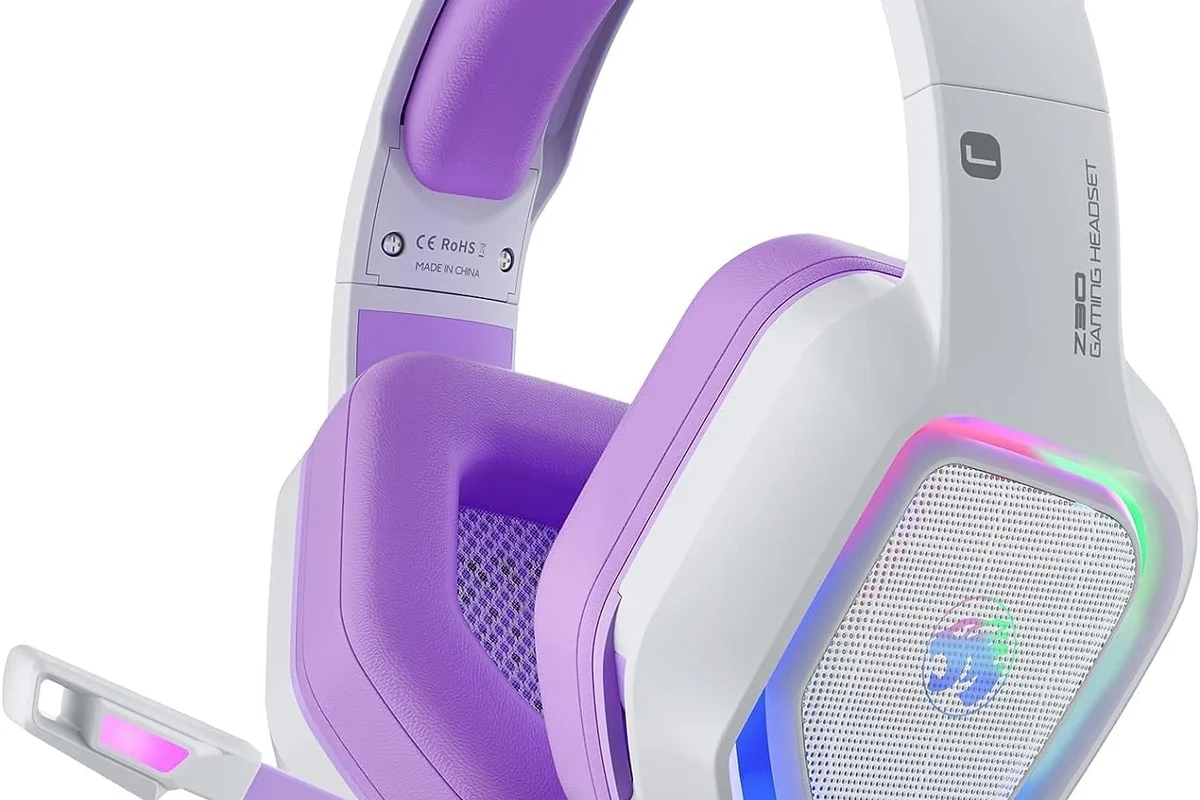
Image source: m.media-amazon.com
In 2026, the answer is still basically the same: Xbox One is not designed to send audio over standard Bluetooth headphones. If you try to pair regular Bluetooth earbuds or over-ear headphones directly, the console usually won’t see them as an audio device.
For everyday players, this means “Bluetooth headphones” and “Xbox One” are not a plug-and-play match. You can still use headphones with Xbox One, but you’ll usually need a wired connection, an Xbox-compatible wireless headset, or a workaround through your TV or an adapter.
Key audio insight hereXbox One supports headphones best through wired controller audio or Xbox wireless gear, not standard Bluetooth pairing.
Why Xbox One Does Not Support Standard Bluetooth Audio
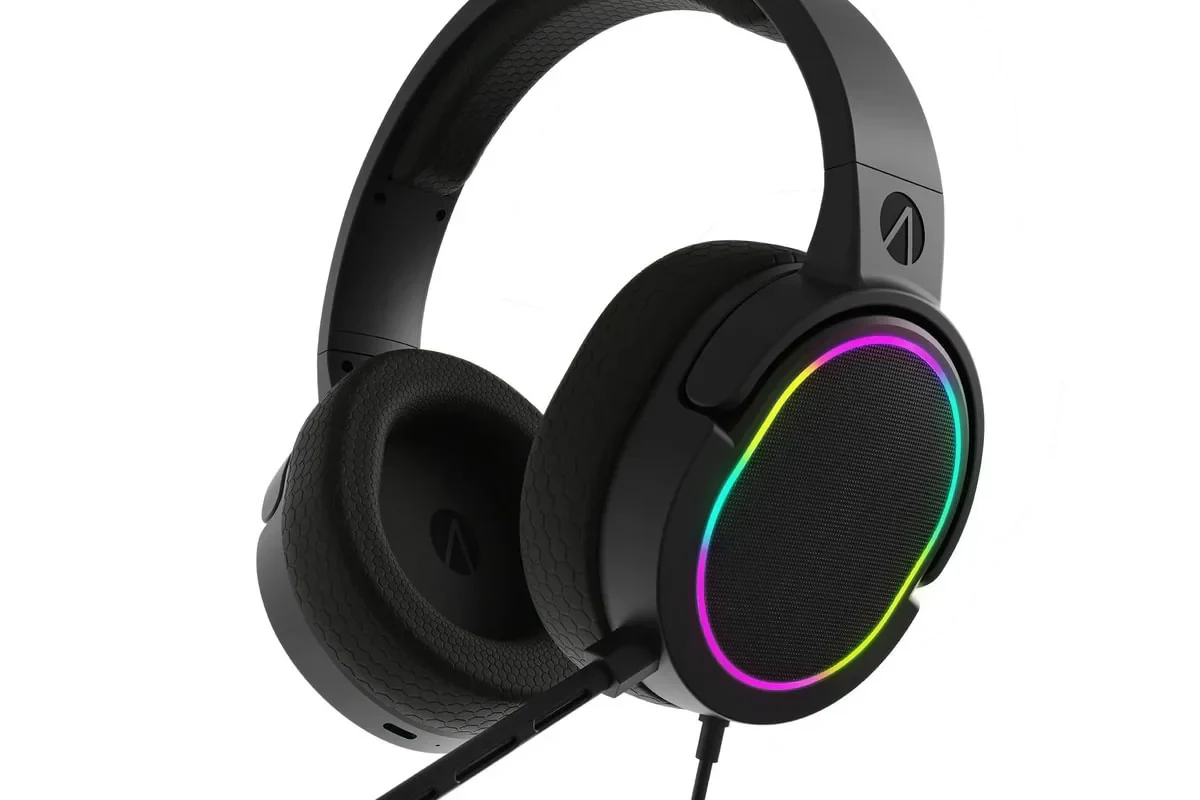
Image source: cdn.shopify.com
The main reason is that Xbox One uses its own wireless system for accessories instead of relying on regular Bluetooth audio. That helps Microsoft control latency, connection stability, and voice chat behavior more tightly than a generic Bluetooth setup.
If you want a deeper look at how Bluetooth itself behaves, our guide on Bluetooth headphones explained simply is a useful starting point. It helps explain why some headphones feel easy on phones but awkward on gaming consoles.
How Xbox One Wireless Works Differently from Bluetooth
Xbox wireless accessories communicate using Microsoft’s own wireless protocol, which is separate from the Bluetooth audio stack found in most consumer headphones. That difference is why a headset can work perfectly on a phone and still fail on Xbox One.
For gaming, this matters because the system needs audio and microphone behavior that feels stable during play. Standard Bluetooth can be less predictable for that use case, especially when voice chat is involved.
What This Means for Everyday Headphone Users
For most users, the biggest surprise is that “wireless” does not always mean “Bluetooth.” A headset may be wireless in one ecosystem and unusable in another unless it includes a dongle, a base station, or a wired backup mode.
If you already own Bluetooth headphones, you may still be able to use them with Xbox One through a TV, a transmitter, or a cable. The catch is that each workaround has trade-offs in convenience, latency, and microphone support.
Best Ways to Connect Headphones to Xbox One Without Bluetooth
The most reliable headphone setup for Xbox One is still one that uses the controller or an Xbox-compatible wireless headset. These methods are usually simpler than trying to force a Bluetooth-only solution.
If you are comparing wired and wireless audio more broadly, our article on Bluetooth vs wired headphones sound quality can help you think through the trade-offs before buying.
Using a Controller with a 3.5mm Headphone Jack
If your Xbox controller has a 3.5mm audio jack, this is often the easiest option. You can plug in wired headphones or a headset directly and get game audio without worrying about pairing issues.
This is also the most dependable setup for chat, because many gaming headsets include an inline mic or boom mic that works through the controller connection. Sound quality, comfort, and mic performance will still vary by headset model.
If your headphones have a detachable cable, keep a 3.5mm backup cable in your gaming bag. It can save you when wireless options are not cooperating.
Using Xbox-Compatible Wireless Headsets
Xbox-compatible wireless headsets are usually the cleanest wireless solution for console gaming. They are designed to work with Xbox systems, so they avoid the pairing confusion that comes with standard Bluetooth headphones.
Many of these headsets also handle party chat better than a workaround setup. For gamers who play often, that can be worth the extra cost because it reduces setup time and connection headaches.
Using a Bluetooth Transmitter for TV or Console Workarounds
Some players use a Bluetooth transmitter connected to the TV, monitor, or console audio output. In this setup, the transmitter sends audio to your Bluetooth headphones even though the Xbox One itself is not pairing with them directly.
This can work well for casual single-player gaming or late-night play, but it is not always ideal for competitive gaming. Audio delay may be noticeable, and microphone support can be limited or unavailable depending on the adapter.
Cheap Bluetooth transmitters can introduce lag, weak range, or unstable connections. If you need voice chat or fast response times, check compatibility carefully before buying.
Practical Setup Examples for Different Headphone Types
The best setup depends on what kind of headphones you already own. A model that works beautifully on your phone may need a different connection method to behave well on Xbox One.
Before you buy new gear, it helps to think about whether you want pure game audio, chat support, or a flexible all-purpose headset.
Wired Bluetooth Headphones in Wired Mode
Some Bluetooth headphones can also work as wired headphones if they include a 3.5mm cable. In that case, you can connect them to the Xbox controller and use them like a normal wired headset.
This is often the simplest way to reuse a headphone you already own. Just remember that the microphone may not always work the same way in wired mode, so check the product’s cable and mic behavior before assuming full headset support.
Not every Bluetooth headphone with a cable becomes a true gaming headset when wired. Some models only pass stereo audio, while others keep mic support depending on the cable and controls.
Bluetooth Headphones with a USB Dongle or Base Station
Some wireless headphones include a USB dongle or charging base that creates a low-latency wireless link. These are not standard Bluetooth-only headphones, and that distinction matters for Xbox One compatibility.
If the headset is specifically made for gaming and lists Xbox support, it may be a much better fit than a generic Bluetooth model. The dongle or base station usually does more of the heavy lifting than Bluetooth alone.
TV Audio Routing with Bluetooth Headphones
Another workaround is to route Xbox One audio through your TV and then connect Bluetooth headphones to the TV instead. This can be convenient if your TV already supports Bluetooth audio or has a compatible transmitter attached.
This approach is best for relaxed play, not fast-paced multiplayer. TV processing and Bluetooth transmission can add delay, so footsteps, gunfire, and dialogue may not line up perfectly with the action.
i
Many gaming complaints about “bad sound” are really latency complaints. Even good headphones can feel disappointing if the audio arrives a fraction of a second late.
Common Mistakes Gamers Make When Trying Bluetooth on Xbox One
Most Bluetooth frustration on Xbox One comes from expecting the console to behave like a phone. Once you understand the limits, it becomes much easier to choose the right workaround.
Expecting Direct Pairing to Work
The most common mistake is assuming the Xbox One will show up in your Bluetooth list like a phone or laptop. In most cases, it won’t, because Xbox One is not built for standard Bluetooth headphone pairing.
That is why many users think their headphones are broken when the real issue is compatibility. The headset may be fine; it just is not the right connection type for the console.
Ignoring Latency and Audio Delay
Bluetooth can sound perfectly acceptable for music but still feel off for gaming. Even a small delay can make dialogue, gunfire, and on-screen action feel disconnected.
If you play competitive shooters or rhythm-heavy games, latency matters a lot. For those players, wired headphones or Xbox-compatible wireless headsets usually make more sense.
Overlooking Mic Support for Party Chat
Another common issue is assuming that if headphones play audio, the microphone will automatically work too. That is not always true with Bluetooth workarounds on Xbox One.
Some adapters pass audio but not mic input, while others support only certain headsets. If party chat matters to you, confirm mic compatibility before you spend money.
!
If you rely on voice chat, frequent multiplayer sessions, or have trouble hearing dialogue clearly, consider speaking with an audiologist or a professional audio specialist. They can help if you suspect hearing issues, tinnitus, or if one ear hears game audio differently than the other.
Expert Advice: When Bluetooth Workarounds Are Worth It and When They Are Not
Bluetooth workarounds can be useful, but they are not always the best answer. The right choice depends on whether you value convenience, cost, chat support, or the lowest possible delay.
Latency, Voice Chat, and Sound Quality Trade-Offs
If you mostly play story games, use headphones for late-night TV audio, or want a simple casual setup, a Bluetooth workaround may be good enough. You may notice a small delay, but it may not bother you much in slower games.
If you care about precise timing, clear party chat, and consistent sound, a wired headset or Xbox-compatible wireless headset is usually the better long-term choice. Gaming audio is not just about sound quality; it is also about response time and reliability.
Warning About Cheap Adapters and Compatibility Issues
Low-cost adapters can be tempting, but they often come with weak range, dropouts, poor mic support, or confusing setup steps. Compatibility can vary a lot by controller, TV, console output, and headphone model.
If you want fewer problems, choose hardware with clear Xbox support or a simple wired connection. Spending a little more on a dependable setup often saves time and frustration later.
Listening at high volumes for long periods can cause hearing damage. Keep volume at 60% or below for extended sessions.
Price Comparison: Bluetooth Workarounds vs Xbox Wireless Headsets in 2026
Prices vary by brand, features, and availability, so there is no single “best” budget. In general, though, Bluetooth workarounds can be cheaper up front, while Xbox-compatible headsets often offer a smoother gaming experience.
Budget Options for Casual Players
If you already own Bluetooth headphones, a basic transmitter or TV Bluetooth output may be the least expensive path. This can make sense if you only play occasionally and do not need perfect chat support.
Another budget-friendly option is simply using wired headphones with the controller. For many players, that is still the most cost-effective way to get dependable Xbox One audio.
Mid-Range and Premium Choices for Better Gaming Performance
Mid-range Xbox-compatible headsets are often the sweet spot for frequent players. They tend to offer easier setup, better voice chat support, and fewer latency concerns than generic Bluetooth workarounds.
Premium models may add better comfort, stronger build quality, and more refined sound tuning, but the best value depends on your play style. If you want more general guidance on choosing headphone styles, our types of headphones explained article can help narrow your options.
Budget optionVaries
Premium optionVaries by brand
Final Verdict: The Easiest and Most Reliable Way to Use Headphones with Xbox One
If you want the simplest answer to “can i use bluetooth headphones with xbox one,” the answer is no, not directly. Xbox One is not built for standard Bluetooth headphone pairing, so you will need a workaround or a different headset type.
The easiest and most reliable option for most players is a wired headset through the controller or an Xbox-compatible wireless headset. Bluetooth workarounds can still be useful, but they are usually better for casual listening than for serious gaming or party chat.
- Xbox One does not support standard Bluetooth headphone pairing directly.
- Wired controller audio and Xbox-compatible wireless headsets are the most reliable choices.
- Bluetooth transmitters and TV routing can work, but latency and mic support may be issues.
- Choose the setup that matches your gaming style, chat needs, and budget.
Frequently Asked Questions
Do Bluetooth headphones work better than wired headphones for Xbox One gaming?
Wired headphones are usually more reliable on Xbox One because they avoid Bluetooth latency and pairing problems. Bluetooth workarounds can be fine for casual play, but wired is often better for chat and fast games.
Are noise-cancelling headphones good for Xbox One?
Yes, noise-cancelling headphones can help reduce background noise during gaming. Just make sure they can connect through the controller, a dongle, or an Xbox-compatible wireless setup.
Should I choose open-back or closed-back headphones for Xbox One?
Closed-back headphones are usually better for Xbox One because they block more outside noise and reduce sound leakage. Open-back models can sound wider, but they are less private and less ideal in noisy rooms.
What headphone style is most comfortable for long Xbox One sessions?
Over-ear headphones are often the most comfortable for long sessions because they spread pressure around the ear. Comfort still depends on weight, clamp force, and ear cushion material.
What specs should I check before buying headphones for Xbox One?
Check connection type, mic support, comfort, and whether the headset is Xbox-compatible. If you care about sound, also look at driver size, tuning, and whether the headset has a wired backup option.
How can I improve sound quality on Xbox One with headphones?
Start with a stable connection, then adjust EQ or game audio settings if your headset supports them. Small changes to bass, chat mix, and volume balance can make dialogue clearer and explosions less overwhelming.
Credit : Source Post